← Retour

Design Career: How to Get a Design Job You Dream About

Finding a job can be tough, especially for someone who doesn’t have relevant experience. However, everybody has to start somewhere and on the way to your dream job you should be prepared for the hiring process both professionally and mentally.

The whole process of getting a job can be divided into three stages: research, application, and interview. Today we are going to give you some helpful tips for going through each stage successfully, whether you have a design background or not.

Research

Each important life decision is accompanied by research. When making changes in personal and professional life we tend to analyze, investigate, and review facts. Applying for a job is not an exception since it sets the direction of your future career.

When starting your research, think of a company that would perfectly fit you as a person and as a designer. Don’t associate this company with ones you already know or have worked at. Let it be hypothetical. Think of the size of this company, its values, its corporate culture, and its growth dynamics.Imagine what type of clients the company works with: private entrepreneurs, mid-sized businesses, or large corporations. Frame your place in this company and imagine yourself among teammates and team leaders. Think over the work process and tracking, retention, and reward systems this company has. Try to picture yourself as a part of this company. This technique will help you to set your priorities and define the environment which can unleash your potential. Even if you don’t have experience and are looking for your first job, don’t think that you should take whatever you can get. Being selective is very important for your career success, even if the number of options is limited.

Now that you know what you want to get from your future job, it’s time to look at the options that the market offers. Don’t go to the job boards first, start with a list of companies where you can imagine yourself as an employee. Make sure you check the career sections on their websites. If there are no openings you can apply for at the moment, make sure you send your CV to the HR department so when a new vacancy appears, recruiters can find your resume in their database.

Looking through the websites of design agencies, pay attention to their blogs. There you can find a bunch of useful information to increase your chances of getting a job. Read case studies to see how their work is organized. Try on the role of the designer in charge of the project and think of the changes you could make to improve the final result. Practicing this can help you to look at your own projects from the outside and unveil gaps in your knowledge.

Don’t underestimate the power of social media networks when looking for a job. Follow social accounts of the companies you’re interested in to stay updated with the announcements they post. A lot of companies show their behind-the-scenes on social media. This will give you a better understanding of the corporate culture. One more undeniable benefit of social media is connections. Use your Facebook, Twitter, LinkedIn, Behance, Dribbble to connect with people who share valuable information. Make friends and don’t be shy to ask for advice.

The offline community deserves your attention no less than the online. Take part in meetups, conferences, and panel discussions. These kinds of activities are meant to be a great way of making professional connections. Be active in a local design community because you never know where an opportunity can come from.

Pay attention to internship offers when browsing websites and social media accounts. Internships are a win-win situation for someone without a professional background. Even if you don’t get a job, you will get a hands-on experience. You will learn a career field from the inside, work with real projects, gain industry knowledge from proficient designers, and establish a network of professional contacts.

At the research stage, apart from looking for openings, you should really prepare yourself for a future job. Don’t be passive; dive into the process like you’ve already got a job in a design agency. This approach will bring you significantly closer to the goal.
Application

Now that you’ve done your research and have some open vacancies in mind, it’s time to talk about applying. At this stage, you need to think of three things: your resume, portfolio, and cover letter. Let’s look closer at each of them.

Resume

Recruiters in large companies spend less than 30 seconds scanning a CV. So don’t be wordy; keep your CV precise and clear.

Start with the basics. No matter how creative you are at presenting information, you really need to cover common sections: personal and contact information, work history, education and qualifications, professional skills, and achievements. Make sure you get rid of all unnecessary details. If you have a lot of training courses under your belt, highlight only the most important. If you had numerous responsibilities at your last job, don’t try to list all of them. This will not help you to impress recruiters. Instead, focus on your experience that fits the requirements of the opening you are applying for.

The section where you talk about your work experience is decisive. Share your accomplishments, not responsibilities. Pick the projects that have greatly influenced your career and highlight your role in those projects. Think of your strengths that are necessary for the job you want to get and mention them.

For non-designers, we recommend using online services that provide CV templates, to make the text structured and easy-to-read. But if you are applying for a job as a designer, you really want your CV to stand out. Make your CV noticeable yet informative. Be creative but don’t overdo it.

Think of your online CV too. LinkedIn is the most popular platform for applying and hiring. Make sure you have an account there and keep the information updated. Be where hiring managers are looking.

Double check your CV to be sure there are no misspellings or unnecessary details. Working on a document for a few hours, you can miss some obvious lapses, so ask someone to review your CV with a fresh perspective before you send it.

Portfolio

Even if are trying to get your first job, you need to have some freelance projects or design concepts to show.

Talking about your online portfolio, first you should pick a platform to present your works on. It’s better to set up your own website. Register a personalized domain name, find a reliable hosting service and use, for instance, WordPress to create a website.

As for the content, make sure you include personal and contact information, add links to your social media accounts and online portfolios on other platforms and start filling the portfolio with your creativeness.

It doesn’t matter how many design projects you have accomplished, you need to pick only the best. Sometimes clients ask for solutions that may not be attractive or technically right from the design perspective. Don’t showcase projects where you were not completely satisfied with the result. Your portfolio creates an impression of you as a designer, so include works you are truly proud of.

Don’t stick to one form of design such as web design, illustration, or lettering. Mix your leading projects with self-initiated experiments to demonstrate your versatility. Even with the variety of projects, you still want your portfolio to look harmonious. Use a well-thought-out structure and background to ensure that all your works flow together nicely.

Working on a portfolio design, think of it as a display case for your talents and hard work. Keep the design clean and simple so it doesn’t take away attention from your projects. Make the interface intuitive and easy-to-navigate; nothing should break the creative atmosphere.

Don’t be limited to images of the final result. Work on case studies that include all the stages of your creative workflow. Describe the initial requirements and challenges you faced developing a design. Add text explanations and your thoughts that led you to the optimal solution. Your future clients and employers will want to know more about your approach to work, so go beyond the beautiful visuals and show the behind-the-scenes of your project.

Think of your personal brand. Create a logo and identity to put on your business cards and resume. This is a nice way to show your skills at evolving and enhancing a person’s or company’s integrity visually.

And last but not least, print your portfolio. Even though nowadays most designers use online platforms for showcasing their works, you may need to demonstrate your printed portfolio when meeting someone face-to-face.
Cover Letter

Unlike the resume where you mostly talk about facts, a cover letter is more of a personal appeal to the company you want to work at. A well-written cover letter can improve your chances significantly. So let’s look at some tips that can help you to strengthen your position among other candidates.

First things first, don’t try to duplicate your CV. Consider the cover letter as a conversation with a hiring manager. Keep in mind that you are going to work for a business, so focus on the value you can bring to the company and benefits they can gain from hiring you. Emphasize the skills you have to embrace the challenges this position requires. Carefully look through the vacancy and the company’s website to figure out what kind of a professional and person they want to see in this position. Make sure the tone of your cover letter reflects the tone of the company.

You may check some examples of good cover letters for inspiration, but don’t copy them. Your letter should be sincere and personalized. Try to avoid cliches and overused phrases that hiring managers are used to seeing in every single application. Use clear and straightforward language and don’t try to make your story long; instead, make it worth reading.

The cover letter shouldn’t be exhaustive. Your task is to arouse interest and start the conversation with the hiring manager. Seems like it’s an allowance for writers, doesn’t it? Well, as a good professional you should work on your speaking and writing to succeed at every job you get. You should work on your so-called soft skills, and that’s what we are going to talk about next.

Interview

Praise yourself. An interview invitation is a huge step toward landing your dream job. It already means that an employer is interested in your skills based on your CV and portfolio. Let’s dive into practical tips that will help you to do your absolute best at the interview.

Depending on the company, the whole interview process may include several rounds. For instance, you might interview with a hiring manager, lead designer, and CEO. You should prepare yourself for each round. That’s why you should find out who you are interviewing with and research them. You’ll feel more confident when you know what kinds of questions to expect: personal, technical, or business-oriented.

Everyone is sick and tired of questions like “Where do you see yourself in five years?” However, hiring managers keep asking them. Think of your answers to the most expected questions and work on your reaction towards the most unexpected and uncomfortable ones. Some questions can be tricky, so take your time and think twice before you answer.

What should you do when you don’t know an answer? This is primarily related to technical interviews. First, don’t panic. Remember that interviewers can ask questions that are out of your area of expertise or go beyond your experience. In this case, they don’t expect you to give the right answer; they want to see your actions in an unordinary situation. So if you don’t have an answer, tell how you could find it and describe a similar experience that could help you to come up with a solution.

When a hiring manager asks you if you have any questions, please, don’t say no. Don’t be shy even if you’re looking for your first job. Demonstrate that you’ve done your research and understand the company’s culture. Ask the hiring manager about things that you really care about, like the workflow, compensation package, insurance, overtime, workspace, and so on. HRs are ready for these kinds of questions and they will appreciate your genuine attitude and serious approach. Remember that you’re making a choice too.

Apart from the hard skills, the employer is going to assess your soft skills. They include communication skills, work ethic, critical thinking, leadership, ability to work in a team, and positive attitude. Don’t underestimate the importance of soft skills; they can be decisive in favor of one or another candidate. Never stop improving your soft skills as well as hard skills; this combination will give career prospects that you couldn’t even dream of.

And of course, don’t forget the basic rules. Take care of navigation in advance, be there on time, pick an appropriate outfit, have your resume printed, and remember the importance of the first impression, so be open and friendly.

Believe it or not, there are a lot of job opportunities out there waiting for you. All you have to do is be active and consistent on the way to your dream job. Keep in mind that applying for a job is a part of your success story, so be determined and inspired. Good luck!

2019 UI and UX Design Trends

Last year we put together a prediction of mobile UI design trends. This year, we’re going deeper and beyond just mobile. Because the number one trend in modern design is context. There are no generalizations anymore. Everything is in context and connected.

It feels like we’re getting somewhere with all the tools, advancements in technology, and growth of our understanding of how user-facing products really have to work.

Sooner than later, we’ll develop the mindset for universal design that encompasses everything we produce, and not just sell. The way we do things for ourselves needs better design choices. The way we even sound as nations can be designed in a better way. Still, a far cry from where we could be in the future, let’s get into the interface and experience design trends of 2019.

Traditionally, we’ll put a fly in the ointment of every trend as a reminder to keep tabs on things to avoid abuse.

Mighty browsers

A browser is not only the internet’s vehicle, but it is also a means to deliver impact. Browsers are getting faster, more powerful, and attractive.

  • Browser benchmarks and performance tests prove significant performance boosts for most popular browsers.
  • Increases in speed due to streaming compilation impact design big time. Mozilla reports the new compiler to be 10–15 times faster than the previous optimizing compiler.
  • All modern browsers support WebGL 2 which allows for a whole new level of 3D texture and object rendering, fragment depth, and vertex array objects.

Web and mobile browser capabilities are bridging the gap between conceptual design and reality.

Too bad evolutionoftheweb.com stopped at 2012. This chart is gnarly

😑

Yeah, but all the advancements in browsers still promote their separate value without impacting the industry on a higher level. Because so much is going on on the web it’s hard for browser developers to come up with universal solutions and clean up the internet.

Browsers might be awesome but if they access poor websites, they become contaminated with bad UX. We have to force better design choices to unfold the current potential of web browsers.

Most websites make browsers look like shitty software.

Purposeful animation

Among everything, new browser capabilities opened the door for animation. Not just as the motion of elements, but a legit design opportunity. The discipline known as motion design involves a lot of design aspects but intersects with psychology and biology.

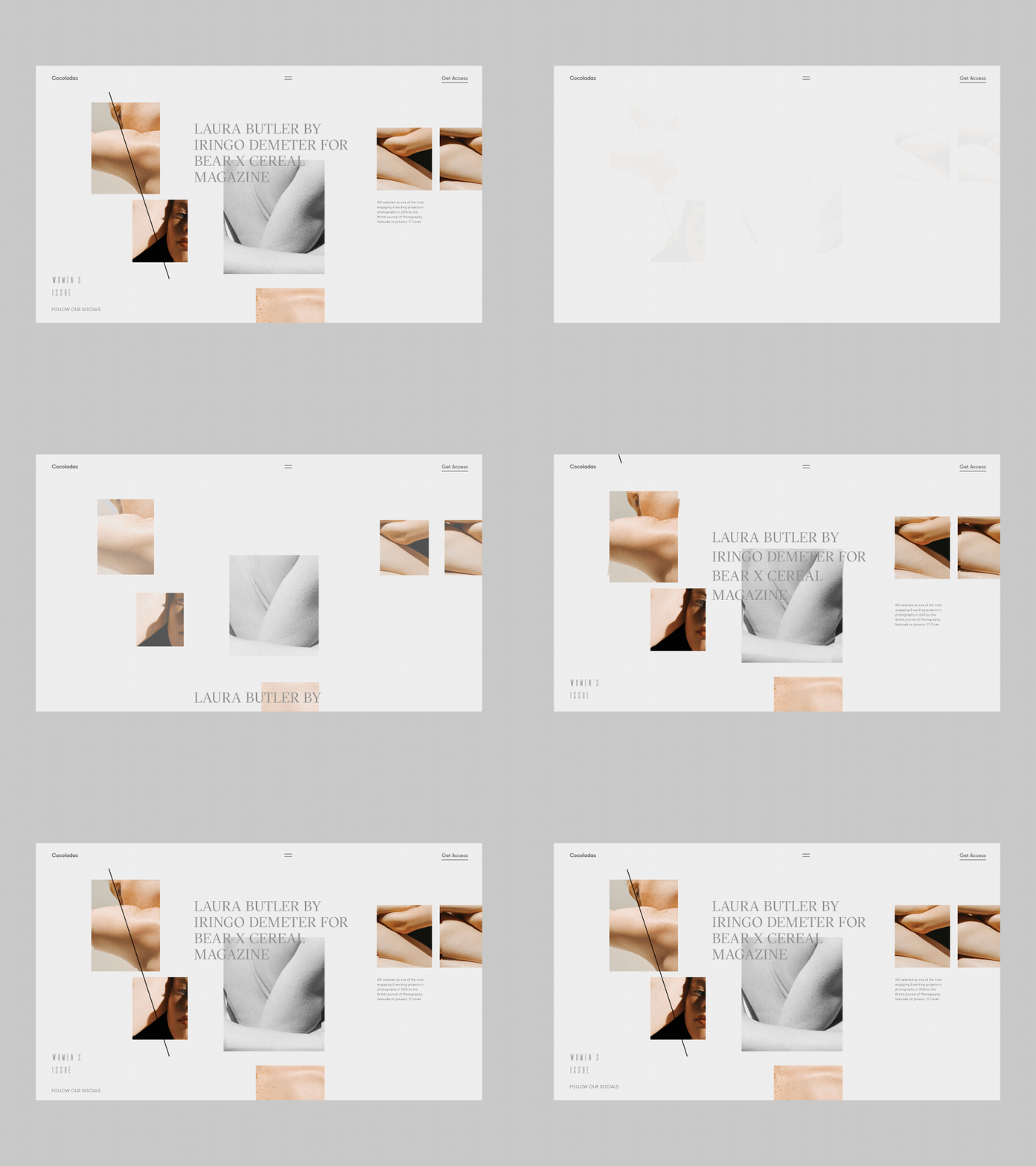
We see this field of knowledge being explored even deeper in 2019. Complexity replaces fad as the main characteristic feature of animation in design. Motion and transitions convey a lot of information that otherwise would be lost.

The estate between screens used to be a no-man’s land. Now it’s your backyard.

Cocoladas Creative Blog Artist Preview Page by Zhenya Rynzhuk

Engaging a customer on a deeper level means staying with them every second of the interaction and making every second count. Designers are grasping this opportunity before it gets poisoned by blunt marketing.

Motion design also reaches beyond just presentation and gap filling. It is now an embedded part of branding. Still, logos are totems. It’s our imagination and experience that revive them. Why not tap into that imagination and ensure it steers the right way?

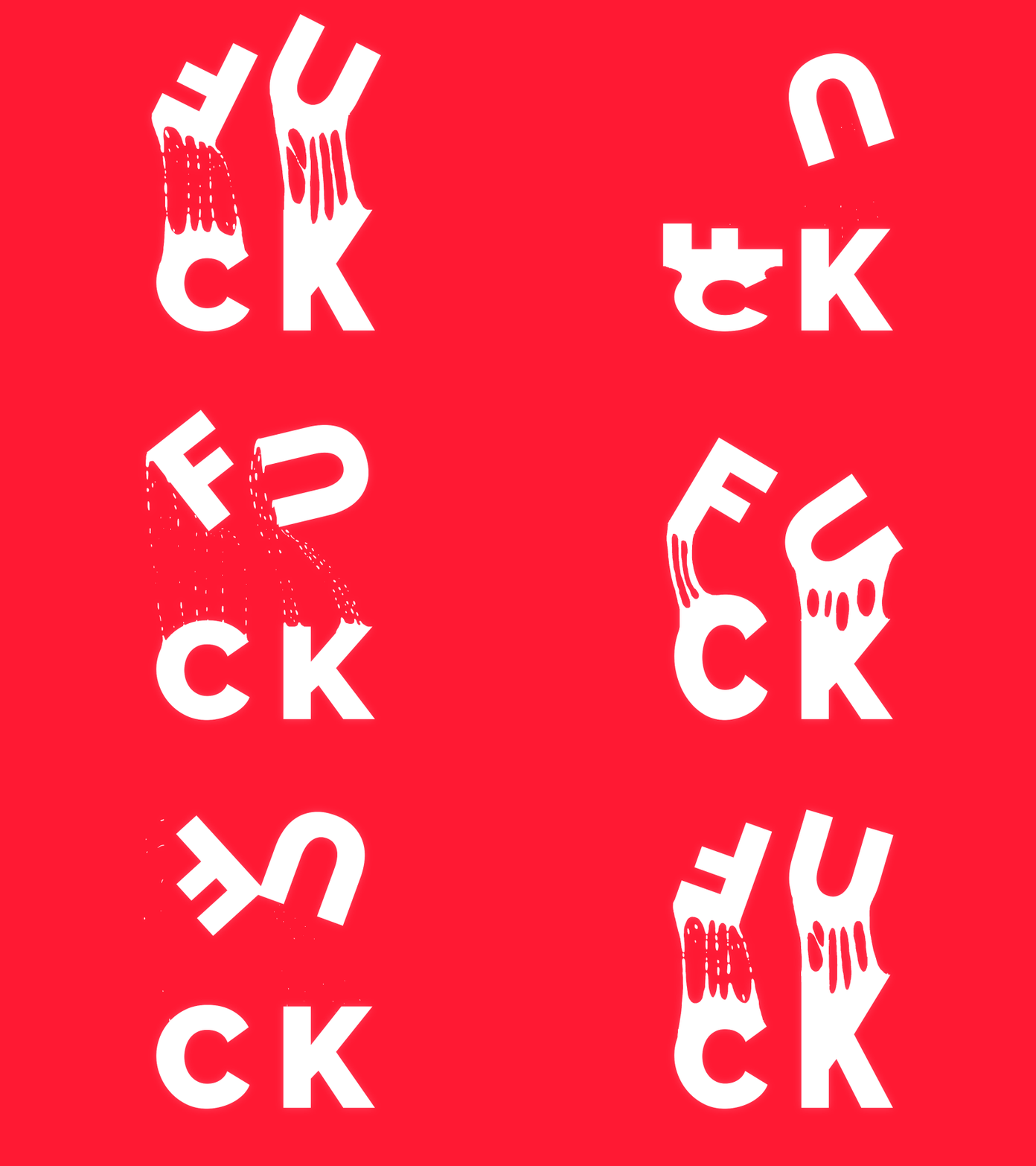
Fuck by Eduard Mykhailov

If you haven’t thought what your logo consists of, how it feels, tastes, smells, and sounds, it’s about time to do that.

Motion speaks better than lighting, positioning, and materials. Motion tells a story. If you can make your logomark part of your story by putting in some extra thought, I say go for it.

Lakko — Logo animation by Zlatko Kelemenić

😑

Yeah, but there is a context for everything including animation. What you see as a designer is not what a customer sees as a… customer. If the product we are designing for is an actionable one or is connected to dire scenarios, we can’t afford animations even if they are meaningful. If there is an emotional contradiction, always go neutral.

Don’t animate with reckless abandon.

3D in interfaces and deep flat

3D rendering and CG augmentation of real footage and imagery have been around for some time. For the sake of speed and performance, and also accessibility, designers have a history of avoiding complex 3D models in UIs. Better browsers turned this luxury into an affordable feature. Highly Complex VFX or Visual Effects take movie-like scenes into the realm of websites.

3D graphics in interfaces blend the edge of reality and digital animation.

This trend will be specifically useful for product companies with complex processes that are not very visual. By using the 3D visualization, you can tap into any technological process and create a deeper level of understanding.

Baker Hughes Digital by Sanu Sagar

The reason this works in movies and video games is the short time these images are being displayed for. They call for a superficial impression, not diligent study. Combined with purposeful animation, 3D becomes a powerful design tool.

The mobile industry with new powerful chips made it possible to not only render 3D objects but use them within the interface. Smaller screens are perfect for that.

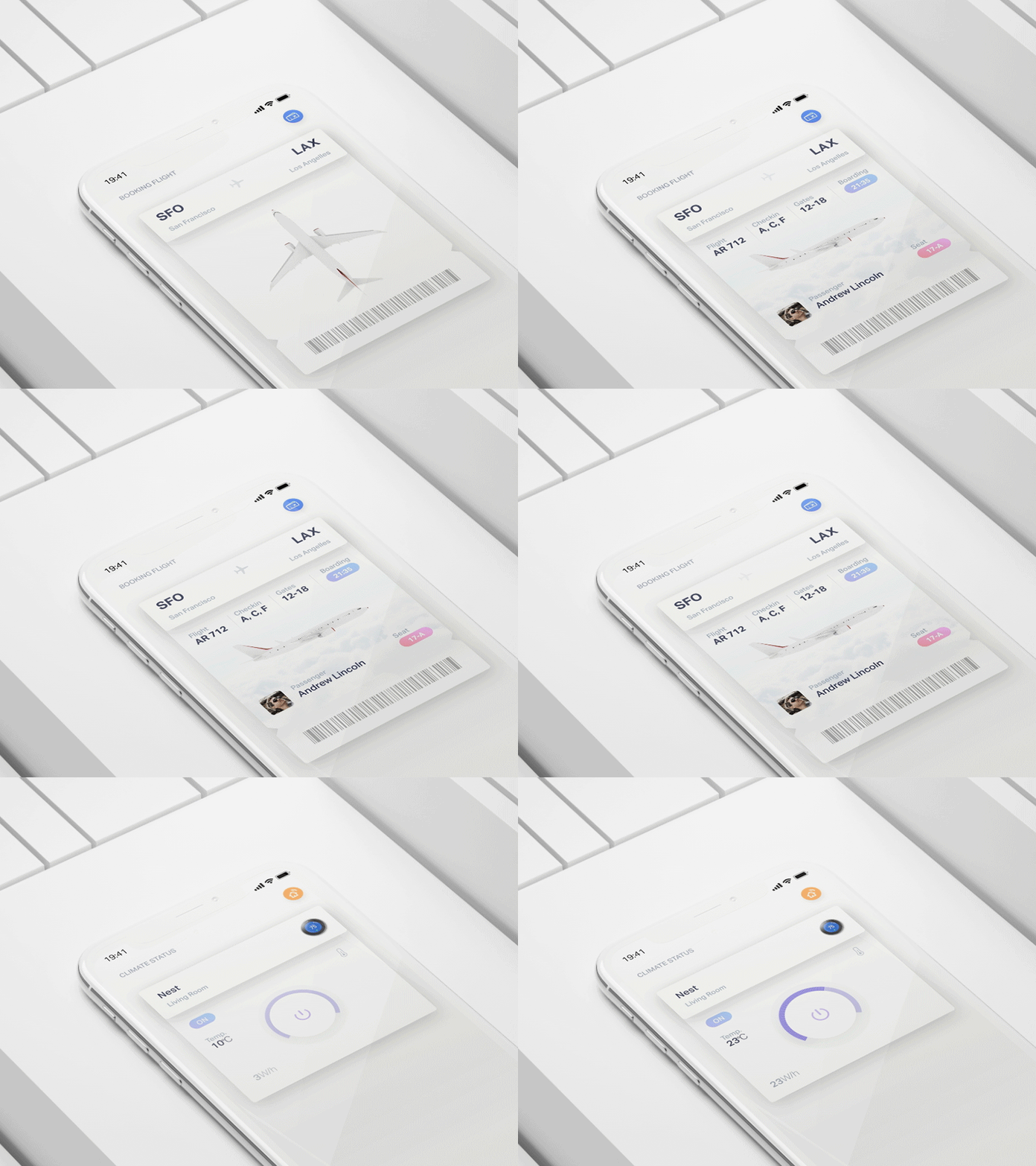
Cards 3D transition by Gleb Kuznetsov
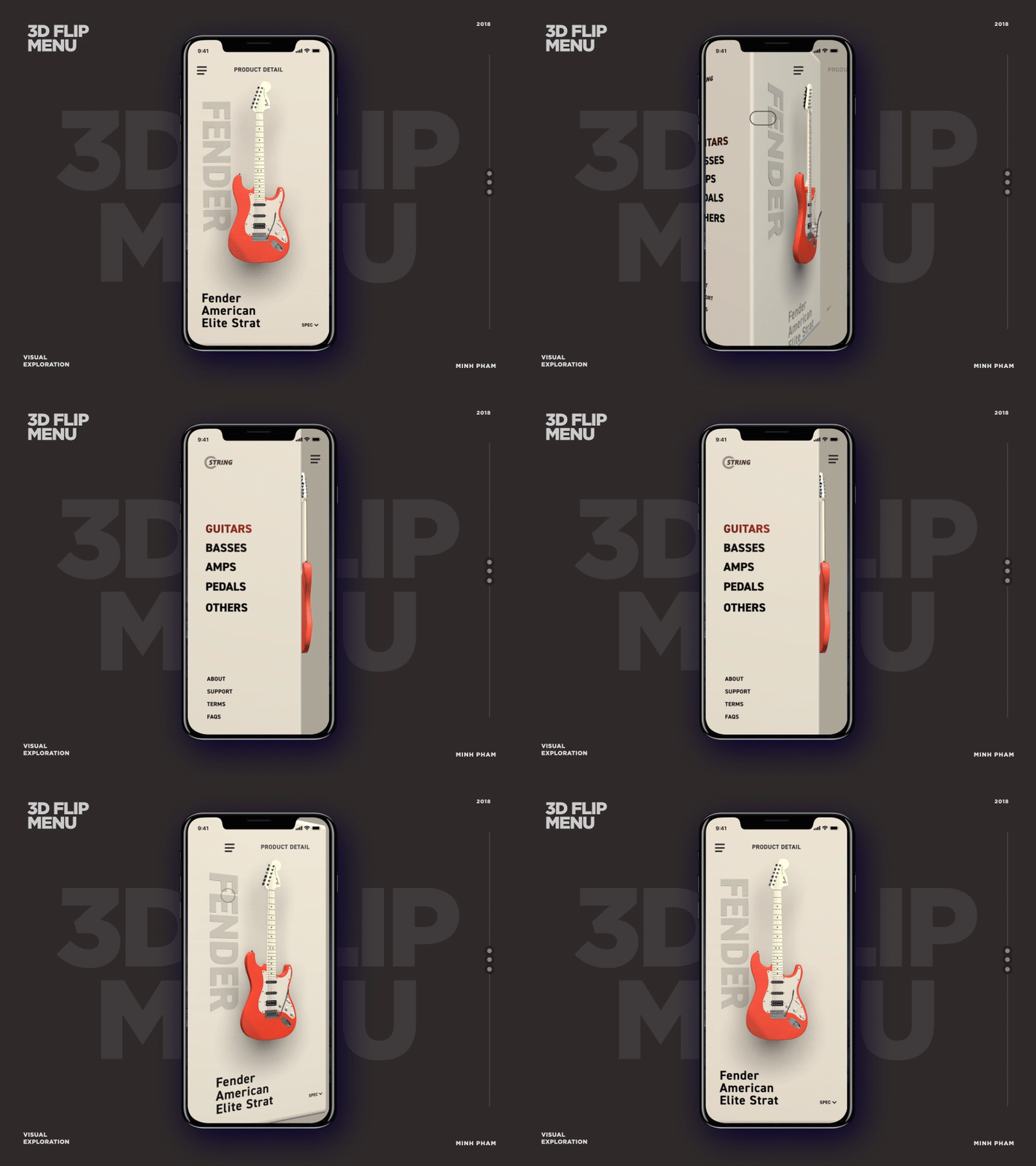
3D flip menu by Minh Pham ✪

Flat UI design has been a dominant trend for over 5 years and hasn’t really changed. Lately, we’ve witnessed a clear shift towards adding depth and dimension to flat design without changing its main idea. Why depth is necessary is also why flat design came to exist — we need symbolism to make sense of everything. Flat is symbolic to the core.

Deep flat is the new flat.

Real 3D and CG combo revealed a customer response to life-like objects that they can interact with. Flat design is also capable of doing that in a unique and yet-to-be-explored way. They call it pseudo 3D. It’s flat layers stacking up to create a three-dimensional feel. The main asset adding dimension to flat design will be shadow and light positioning, and reflections.

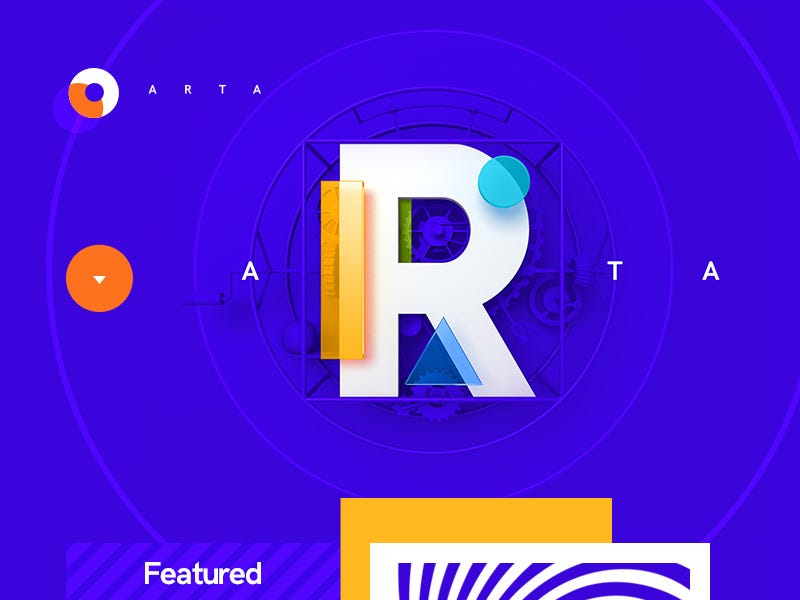
ARTA / Art Gallery by Mike | Creative Mints

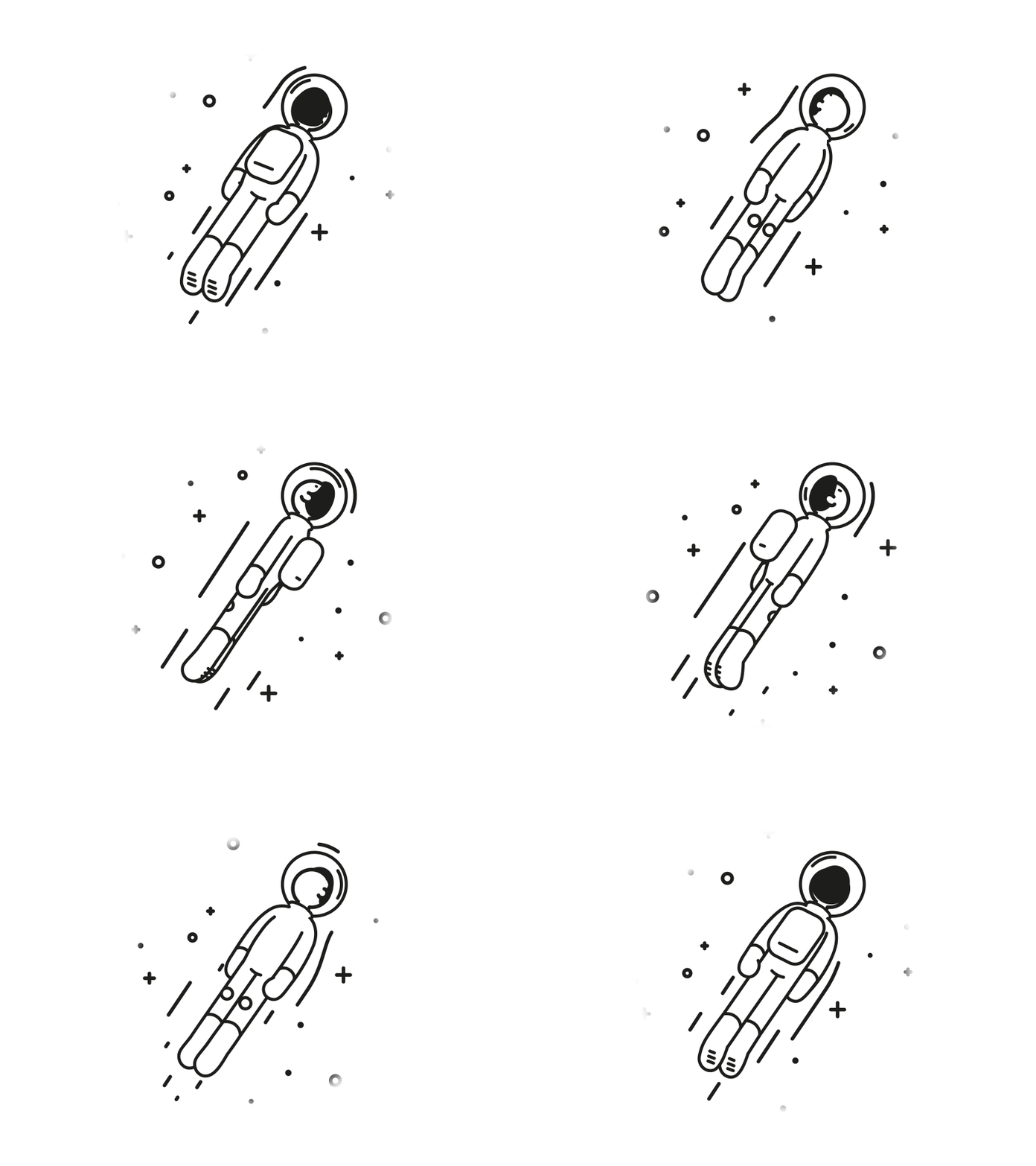
There is also a fake 3D trend on the rise which uses conventional design tools like Principle and After Effects to create motion pattern emulating 3D.

Astronaut by Markus Magnusson

In 2019 we might even see the return of skeuomorphism in a new fashion. If flat can be deep, it can be isometric as well. Retaining flat symbolism while tapping into a realistic view is a trend to explore.

😑

Yeah, but we will eventually run out of options. Already, there is no certain direction 3D UIs are moving towards. It goes both ways — simplification and sophistication. While it takes more technological effort to impress us, it takes just as much courage to throw complexity out of the window and roll out a crazy concept. However, if the most complex interfaces lack meaning or the boldest ideas are nothing but a curtain wall, all the efforts will be useless.

We can do impressive imagery. It’s time to fill it with sense for humanity and address deeper issues. How can we make this happen?

Surreal design

All the 3D and motion design opportunities brought by better technologies don’t mean a thing if they fail to make an emotional impact. Ironically, you don’t need complexity to make the most impact. The reason why renegade attitude has always been a satellite of mainstream trends is its natural appeal.

We need something to balance out the common sense, we need a devil on our shoulder, and sometimes we are playful.

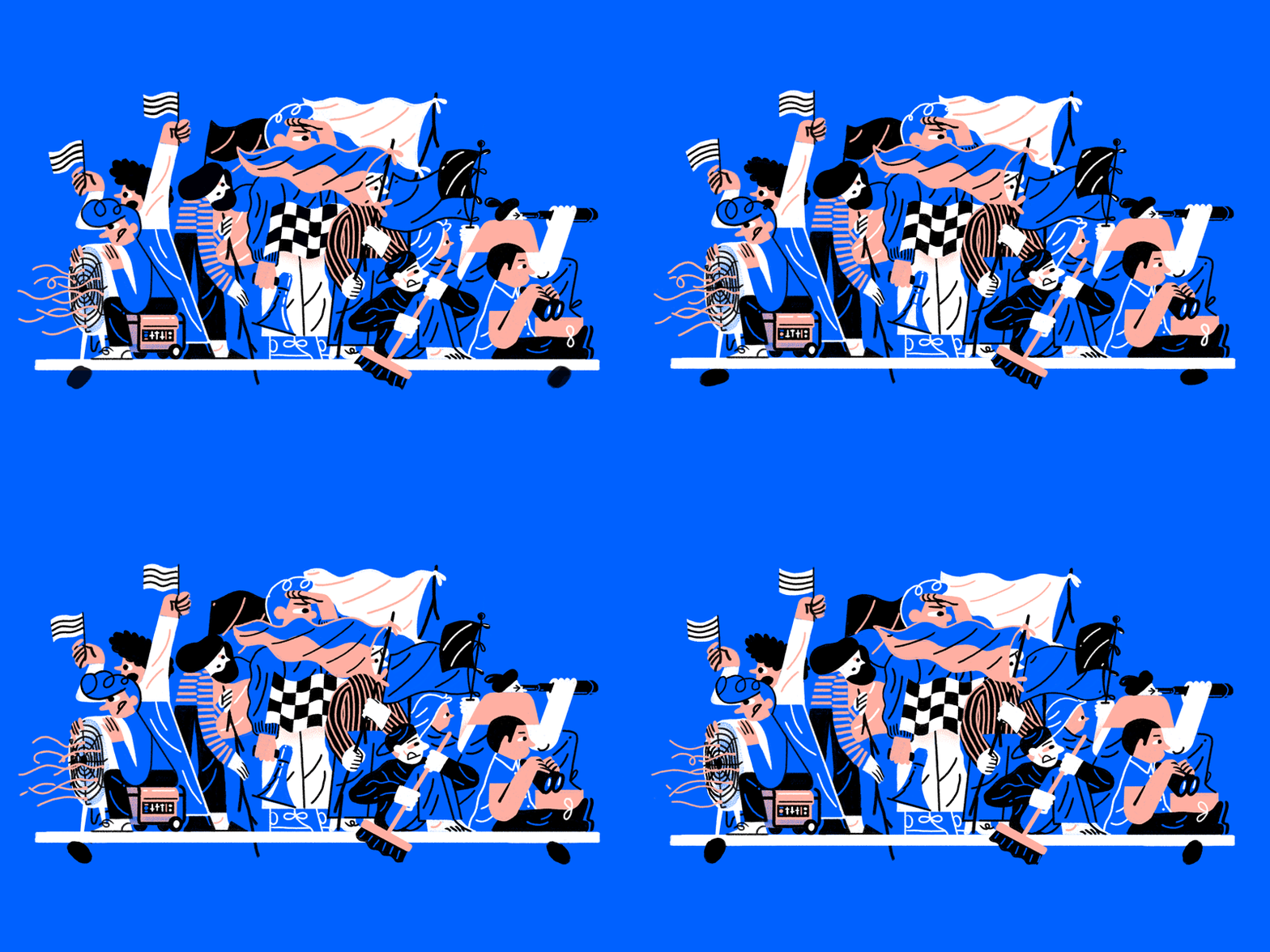
Some of the biggest redesign campaigns and associated illustrations came out as playful as it gets:

How to stay scrappy by Justin Tran for Dropbox Design
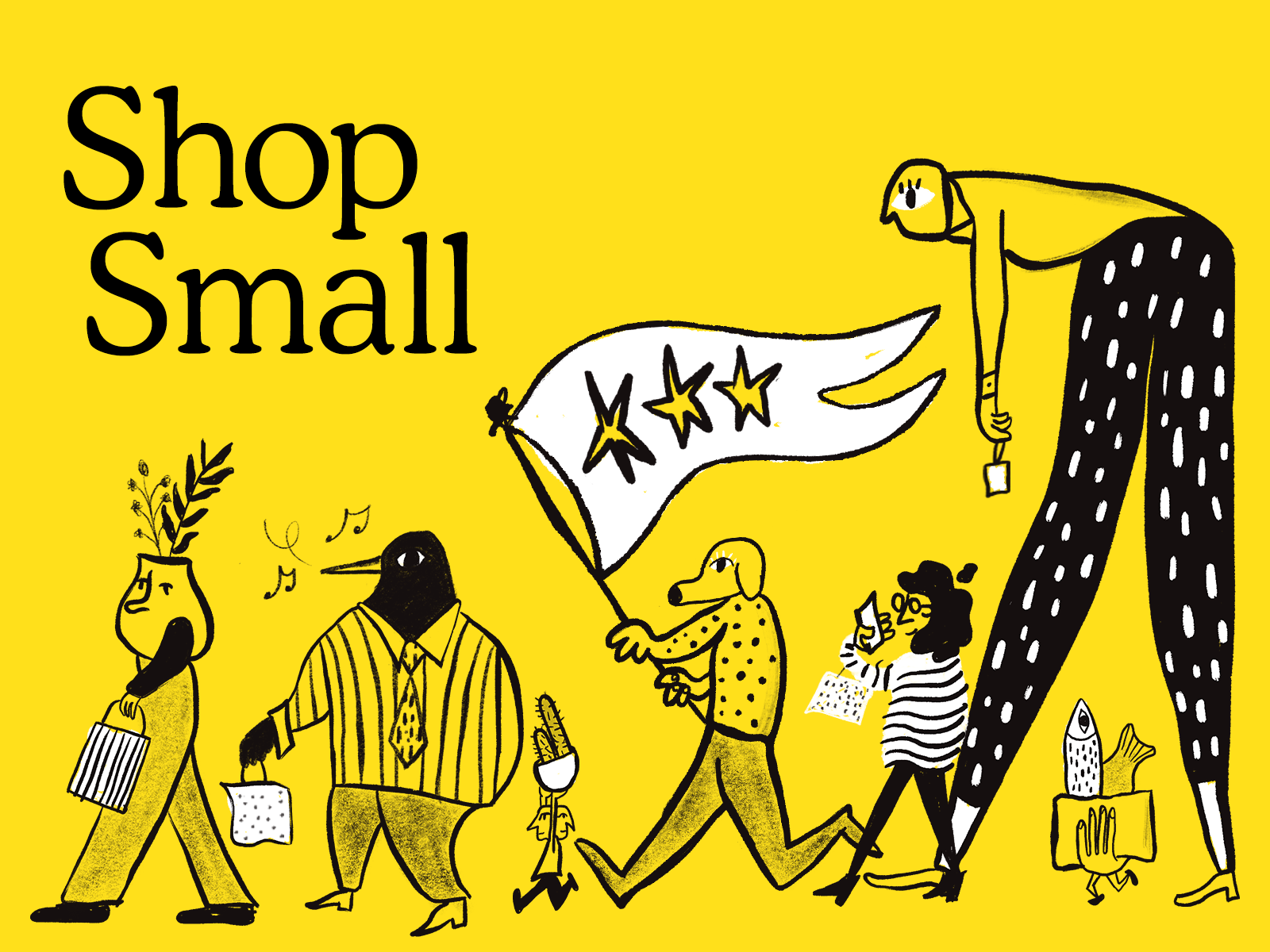
Shop Small by Joe Montefusco for Mailchimp

This cartoonish style of illustration and even UI has one purpose — maintain freshness of the look. When your brand name is a staple, you can surround it with a never-ending buzz. Doesn’t matter who this style speaks to, it has to be weird or even ugly. Expect to see more of that vanguard and surreal design in 2019.

😑

Yeah, but not all companies and products can afford this impudence. The wider the audience, the more neutral the design has to be. Even though this might work for established brands, smaller companies and the ones struggling with exposure will have to play it safe and stick to commonalities.

Build a following first, and then take them for a ride.

Gradient 2.0, blazing colors, and darkness

New screens have a fantastic rendition of colors. They even have to show this through default wallpapers. Designers explore the boundaries of accessibility and impressive gradients in UIs.

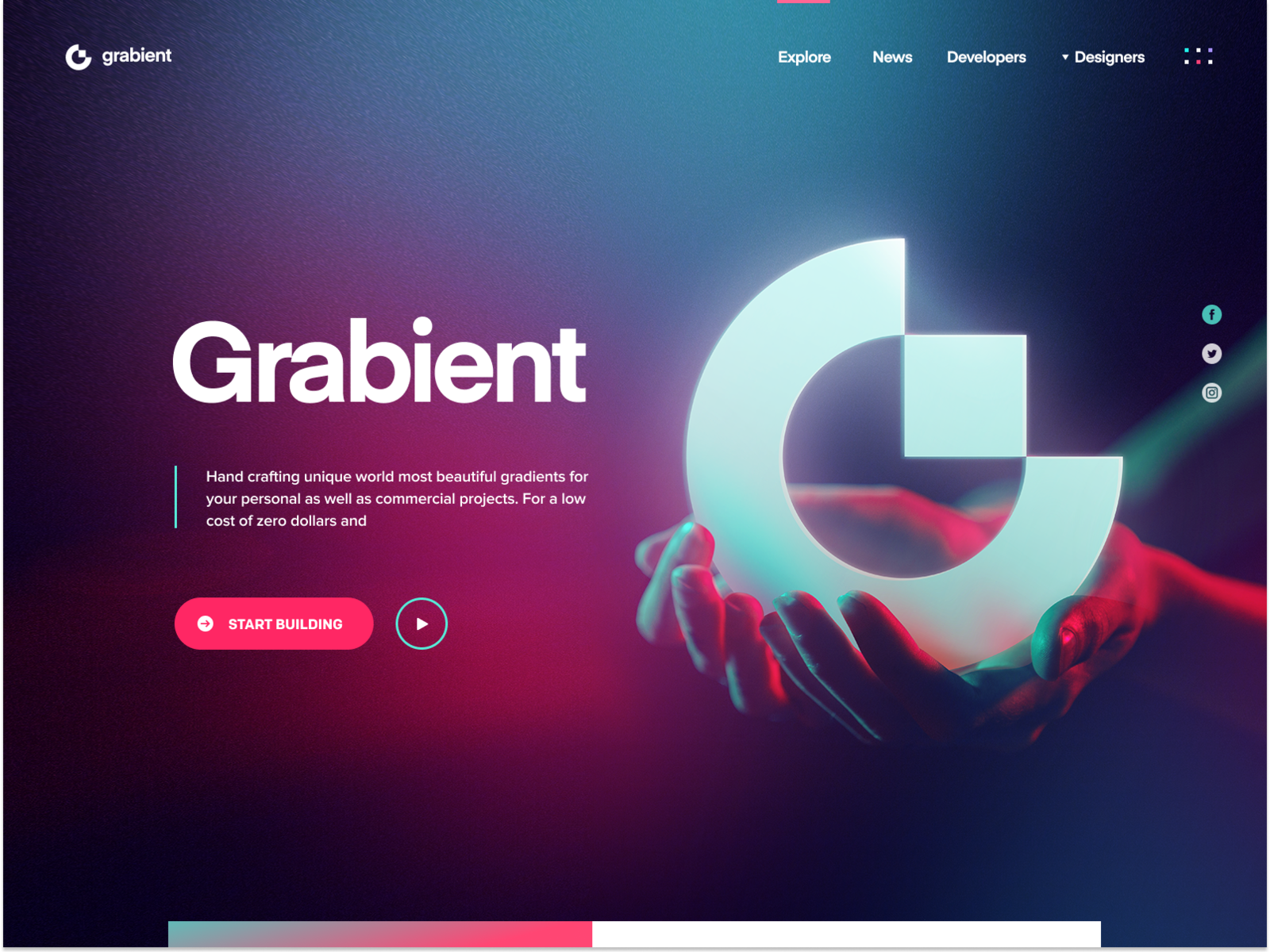
Gradients are no longer for attention, they are now bringing depth and dimension to the interface.

Grabient 2.0 by Eddie Lobanovskiy

Gradient 2.0 is subtle and simple. It uses no conflicting colors. It has a clear light source and it aligns with the shapes to bring depth.

Vibrant colors aren’t going anywhere. We will see more combined colors and layers. In fact, even the monochrome palette will present some sort of visual aesthetic through depth and dimensioning.

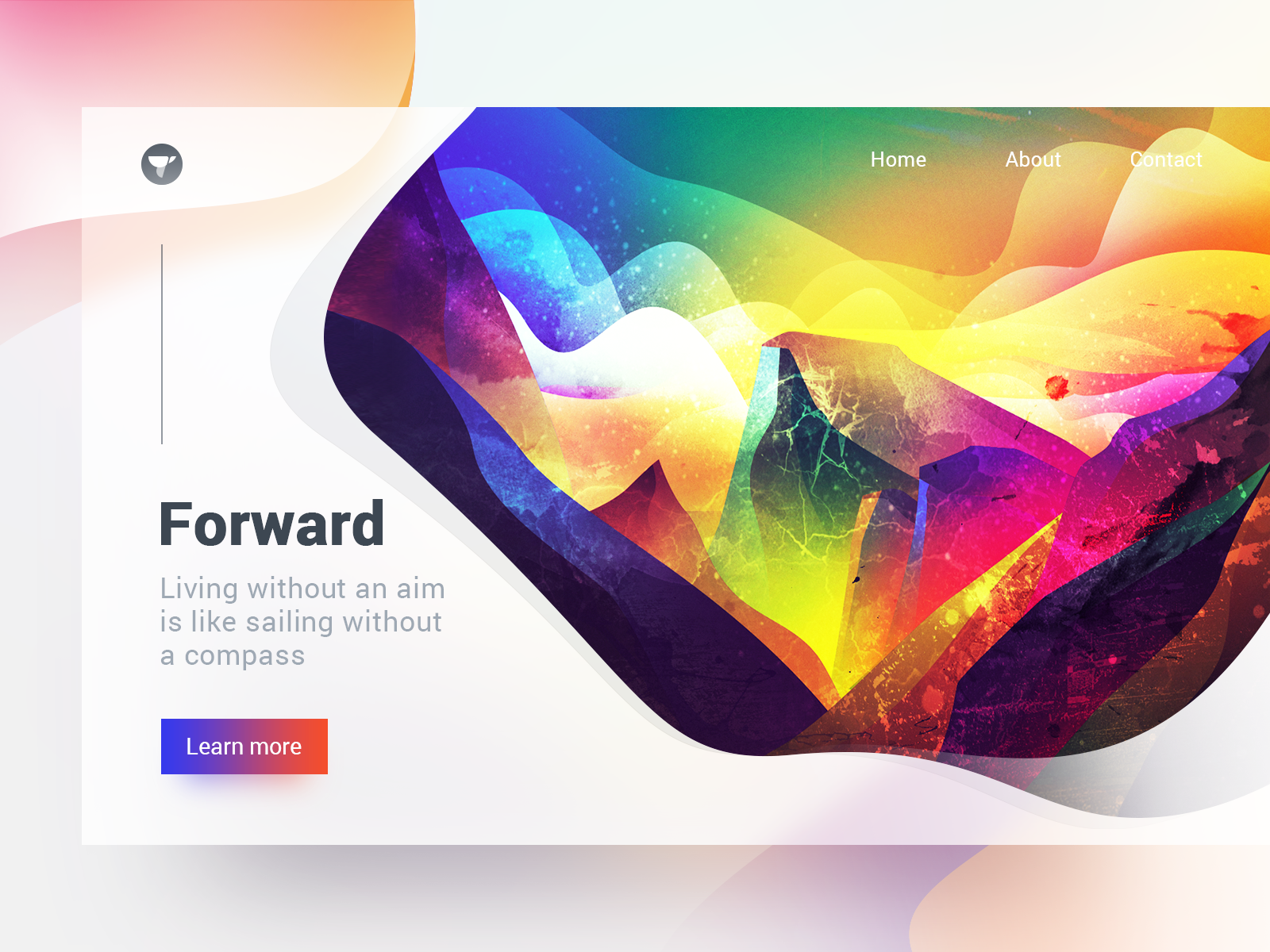
Valley Illustration by J.HUA for Tunan

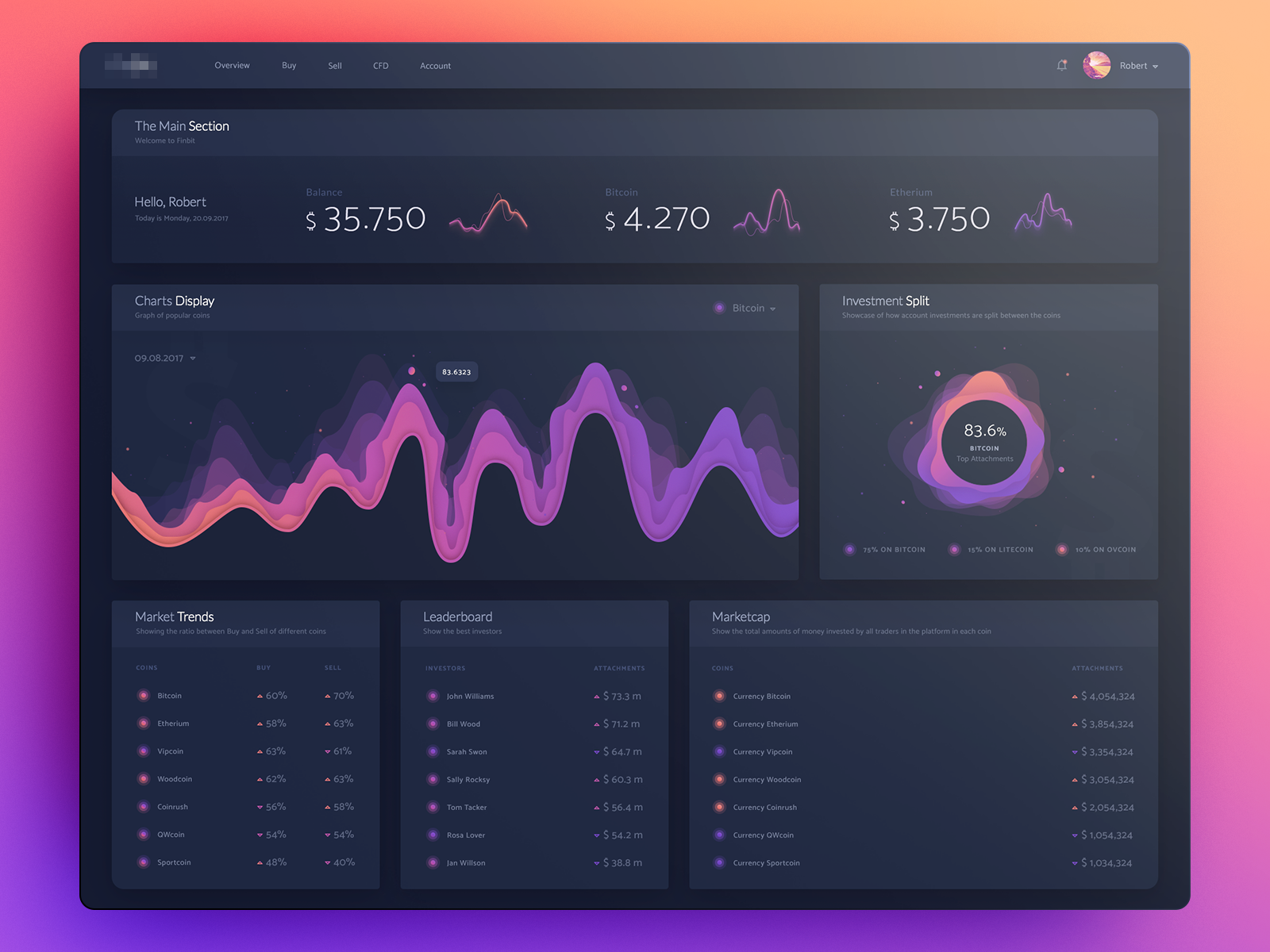
We lack trust and optimism. Blazing colors promote positivity. Would you trust a crypto app like this?

crypto app by uixNinja

Even cooler is the fact that vibrant colors and meaningful gradients stand out better in the dark background. Dark themes are here to stay and they will only get better. Here, we took an anthropological approach to figuring out dark themes and why they work. Those who can find the balance between the accessibility of dark UI and emotive response of glaring colors, will be on top next year.

Deep flat, colors, and 3D, in the dark.

Dashboard by uixNinja

😑

Yeah, but accessibility is not the only problem with gradients, colors, and dark themes. Bright colors are traditionally used to enforce accents. When everything is color, how can you emphasize? Not all users have access to OLED screens. Some of the gradients can be lost. Too much contrast can impede user’s focus. Dark themes don’t work on a sunny day outside. That might actually be a good thing though.

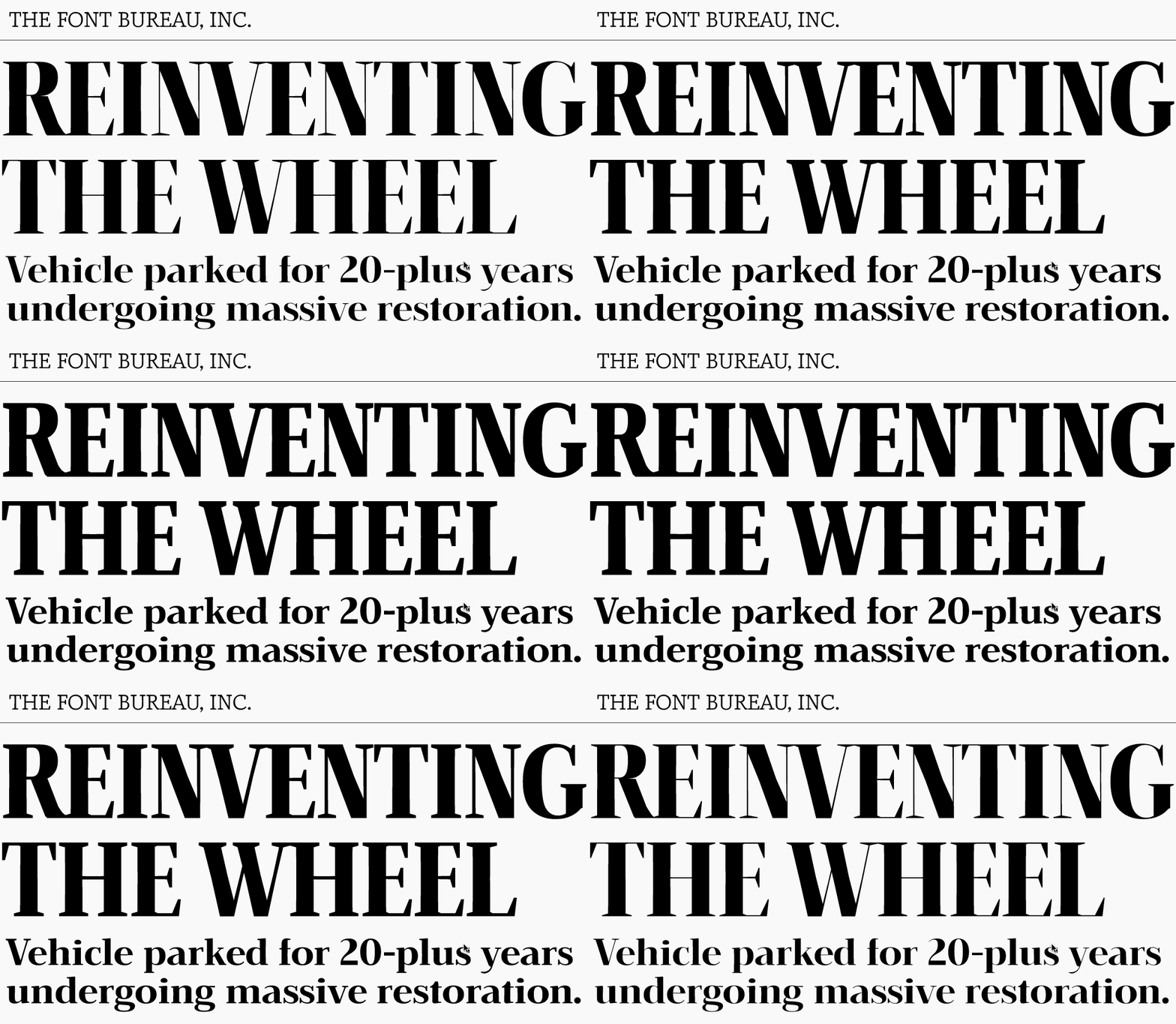
Variable fonts

Traditionally, typefaces are perceived as static entities with a limited set of adjustable parameters. Designers and writers have to consider legibility in the context of x-height, stroke and letter width.

Whenever the design requires multiple typefaces, designers have to provide all the files for the font styles used. You can’t fully commit to rich typography in a product unless you cover all the bases. With variable fonts you just need one file because variable or generative fonts provide infinite number of letter weight and width adjustments.

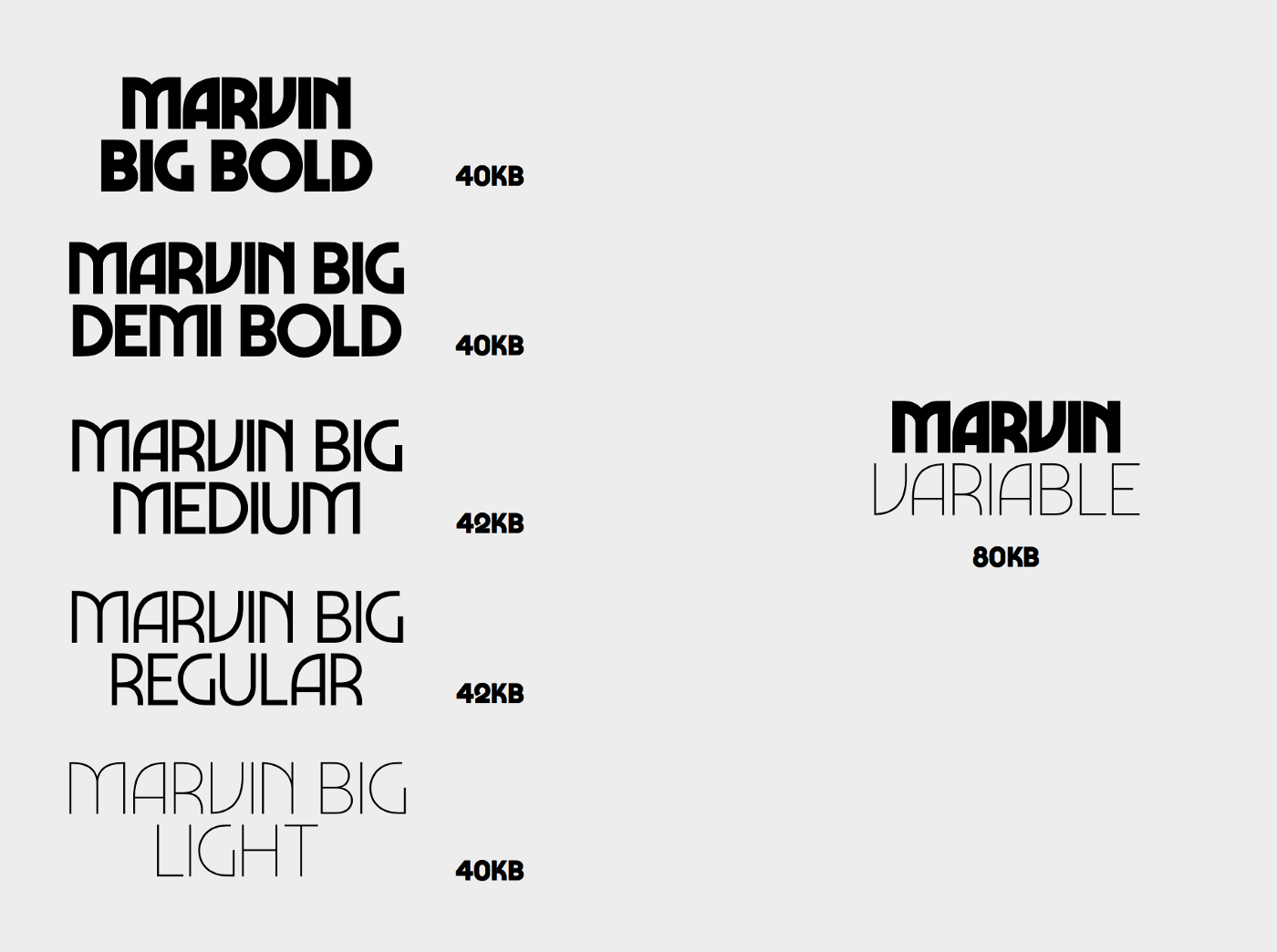
Variable fonts can cover any portion of the design space left for the text.

Marvin Visions

Variable fonts thrive in responsive design and localization. In the places where designers had to rack their brains about fitting text into smaller screens without losing the zest or stretching it for a different language which utilizes less characters.

VOTE by Josh Rinard

When web fonts were introduced, responsiveness was an aspect they were lacking. Not enough flexibility resulted in legibility issues and misalignment of the design itself. Variable fonts are fairly recent and they help deliver fonts for the web faster and help streamline design process in general.

And that’s just the beginning. The artistic options of variable fonts are yet to be explored in 2019.

Typography.Guru

😑

Yeah, but how long till a smart and adjustable font becomes a means of promoting a sell? If you can have your text replying to the subtleties of every digital context available, how does it protect a reader from manipulation? Parametric text has roots in book printing which is a context limited by objective physics. This prevented people from saving on paper and ink and also made reading one of the most important reasons for our progress.

Figma

Today we ask the age-old question: “do designers need to code?” And then, “do developers need UX knowledge?” The point of these is simple — avoid pain and discrepancy implementing the design. So if it’s about the purpose, it should also be about ways to get there.

Learning to code is a logical option. If you are the one who executes your own design, you avoid a bunch of issues. However, the amount of knowledge you need to maintain to be a relevant designer and a potent developer is exceptional. Can you do it? Good for you. For those who can’t, there should be other options.

The purpose is not breeding a universal designer. It is about building better products, with delight.

Another way to achieve this goal is to use and promote better tools. Figma is one of those tools. Before, designers had to consider a lot of variables like operating systems, integrations, plugins, storages, synchronization, collaboration, and finally, ways to assemble them all in one place. Those who did develop a workflow, deserve all kinds of respect. But we want less stress.

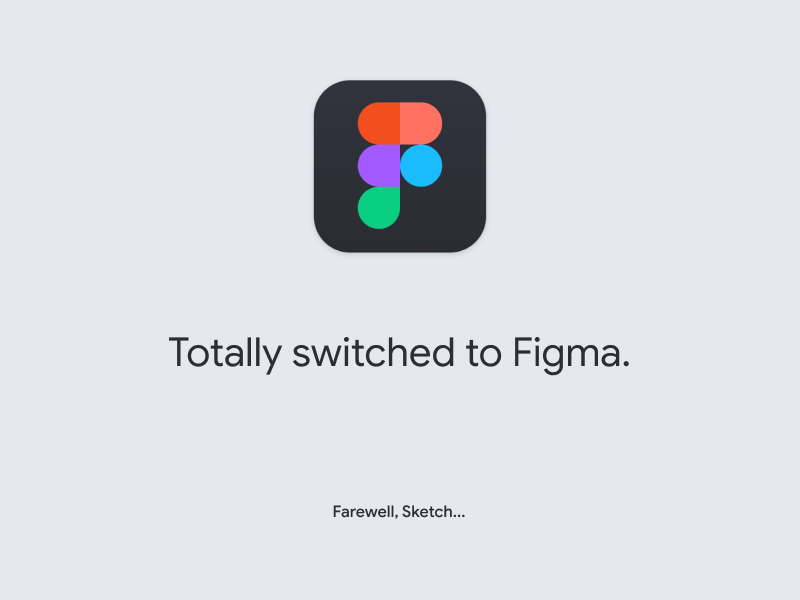
Totally switched to Figma by Alexey Kolpikov

Figma is a for-us-by-us design tool. It anticipated a lot of what-ifs and stuffed a lot of skepticism.

Figma destroyed Sketch.

It does everything Sketch and Adobe XD does but more and better. More importantly, Figma is aimed at building what will be implemented. Every Figma component can be turned into a React component via API and implemented on the front end. So far, Figma beats competition in cost, performance speed, collaboration, sharing, embedding, support, and so on. With that said, Figma is still developing and in 2019, there’s more to come.

😑

Yeah, but whenever we develop better products and fail to establish ethical use of the above, we only contribute to our own demise. Look at Twitter that is struggling to gain back its good name. 2018 was fruitful in tech executives testifying in court. Turns out, it’s not enough to put tools out there, we also have to watch how people use them. Will Figma protect users from dark patterns in UX, bad design, and fake news?

Voice UIs

Design does not have to be visual or visible to work. Through bumps and bruises, we realized that tools don’t really matter if we are building experiences that are not tactile. Designing logic means operating psychology. Building voice controls means dealing with natural language processing.

Voice UI is as sensual as it is sophisticated.

Voice UI realizes the concept of no UI to its finest. The process is internal and has more to do with writing, building context, and synthesizing data, than with actual design. Even so, designers are obsessed with finding ways to represent voice UI. Mainly it comes through impressive minority-report-like interfaces and animations.

Organic Artificial Intelligence design by Gleb Kuznetsov

Most of the times they have nothing in common with the reality of voice interfaces but they prepare a user for the absence of controls and teach them how to treat technology that does not need any.

In 2019, we can hope to witness the deepening of the voice UI knowledge as more designers transition to meaningful experience from plain visual aesthetic of design.

😑

Yeah, but the biggest challenge with voice UIs is, ironically, not the human-to-machine interaction, but the human-to-human one, mediated by technology that has to be smarter than the two. We live in a massively imbalanced global society. We are struggling with the understanding of one another on many terms, technology included. Voice-controlled phones, cars, and homes might just broaden the gap between us.

As designers, we should always consider well-being of humanity as our top priority. If technology, even the beautifully designed one, serves some at the expense of the others, it has to be tackled relentlessly. That’s not happening.

UX Writing & UX Editing

Last year, designers started paying attention to the meaning of the words that bear typefaces. Fiction and tech writers, epistolary hobbyists, and journalists got an adjacent industry for their skills. One thing led to the other and we defined the role of writing in design:

You have to be in control of the way your business talks to your customers.

Before, there was a mix of pompous narcissistic bullshit and technical nomenclature. Things a business was doing was mistaken for the value it could give its customers. Even though businesses were great, they suffered from the lack of definitive, simple, and persuasive wording to use with their audience.

UX writing is based on two simple principles: be respectful and be useful.Everything else stems from them. Being concise means respecting people enough to value their time more than yours. It’s you who has to die over the text, not the user. Being clear means avoiding being twofold, protecting from bad experiences, thus, being useful. Being expressive means being truthful and hiding no flaws. Always focus on helping a user first, don’t show off your eloquence, don’t SEO it, and never use marketing cliches — enough is enough.

UX writing is easy once you embrace being respectful and useful.

People don’t want to see you flex and promote yourself. They want to know if you can help them. Make your service do the talking.

In 2018, we’ve witnessed a noticeable rise in voice and tone design in major companies. They stopped pursuing ingenuity and focused on customer value. In 2019 we are yet to see the development of UX editing is a design discipline.

The difference between UX writing and UX editing is the bandwidth. UX writers produce user-facing text. UX editors analyze, morph, bend, and twist any copy to turn it into a simple humane text. There is no crash course for UX editing. It is experience, observation, and kindness.

Every major redesign campaign in 2019 will require a UX editor.

😑

Yeah but every trend goes through a set of stages. The first one is skepticism, then fascination, and then, bore. Fascination is the most dangerous because it often gets out of hand. It can turn the idea into a caricature and distort the value. UX writing is no different. When being simple is mistaken for dumbing down. When being clear becomes impudence, and being persuasive turns into condescendence.

There is still a place for creative writing in product design. But not where the product meets a user. For example, Nike and Boeing are paying sci-fi writers to predict their futures.

Product designer as a job title

UX design is a very broad term. It is a part of service design which is cross-industrial. As the result, designers and design firms gather extensive portfolios of projects ranging from simple utility apps to complex FinTech platforms.

Service design is a blanket. It can cover every industry and apply what works universally.

Service designers can have their own style which they can apply to any product. That’s what they get famous for and that’s what businesses are willing to pay for. It’s like buying parts from a respected supplier.

However, most companies are product companies and they might require a deeper level of understanding from a designer. These companies require a product designer who is integrated deeply into the team, has all the data available, and all the tools to influence the system as a whole.

Product design has a significant advantage over service design. That’s the access to the analytics and the ability to test design decisions live.

Product designers have the ability to focus on the specifics of the product they are associated with and let go of everything else. They are deeply informed about the user demographic they are designing for and have real data to operate on, as opposed to the assumptions most service designers have to work with.

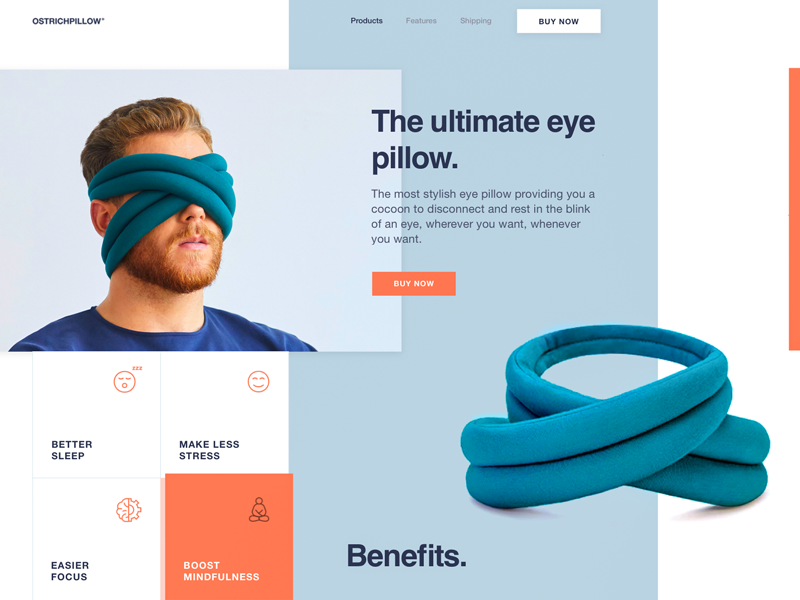
Innovative Eye Pillow Landing Page Design by Sasha Turischev

😑

Yeah, but transitioning to product design requires vigor. By risking to immerse yourself with a certain industry or a product, we are making a choice that we might never return from. In that case, the decision has to be factored. We have to consider the viability of the industry and the perspectives of the professional development within it.

Fortune favors the brave and in 2019, we’ll see even more dedicated designers taking a shot at becoming specialists and sacrificing their universal skills. Time will tell.

Finally, the greatest trend we are starting to notice is a gradual shift towards sincerity. There’s only so much trickery you can resort to. Nothing beats good intent and design has good intent in its core.


8 Best Prototyping Tools to Use with Sketch

Sketch is an indispensable design tool for modern designers. In catering to the needs of designers, various prototyping tools now include plugins for Sketch prototyping. There are both traditional desktop-based prototyping tools, as well as cloud-based prototyping tools. There is no standard to indicate which tool you should use. Thus, finding a Sketch prototyping tool that works best for you will take some time.

Recently, we curated a collection of Sketch prototyping software currently available. We hope you will find one that helps you streamline your workflow and improve efficiency.

1. Sketch

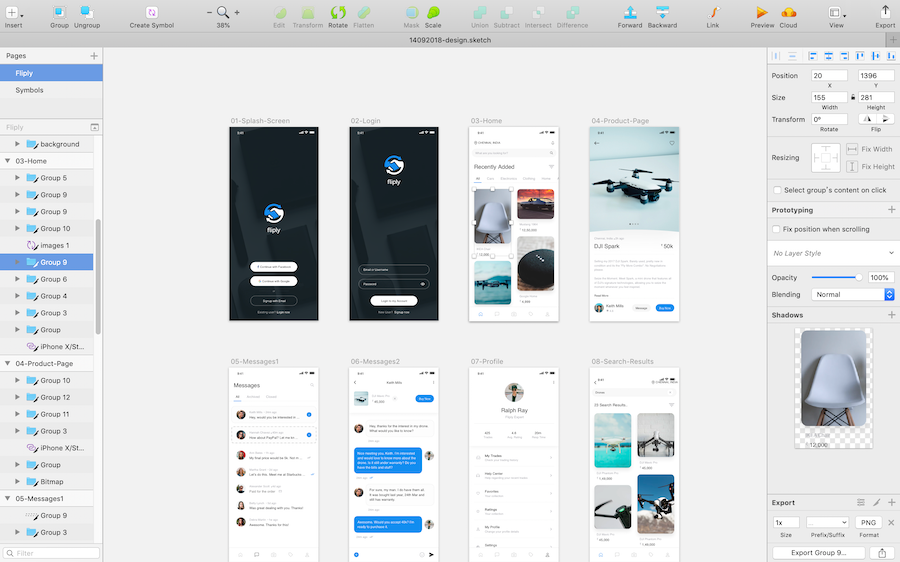
For a long time, Sketch has been criticized for its interactivity. The company seemed to prefer maintaining its status as a perfect drawing software, leaving the plugin development work to a third-party. This year, Sketch updated a version with light prototyping. This is undoubtedly good news for Sketch fans to create Sketch UI prototyping with this software.

How to Make Interactive Prototyping in Sketch

Sketch app prototyping relies on Artboards and Hotspot links to enable jumps between pages, allowing for dynamic interactive prototyping (similar to drag-and-drop links in the interactive prototyping software Mockplus). However, too many link lines can cause confusion.

Sketch prototyping tutorial:https://www.sketchapp.com/docs/prototyping/

Preview:

1) Sketch supports preview inside the software.

2) Live preview in Sketch Mirror. (USB connection or preview operation in LAN).

3) Live preview Sketch Cloud. (you can upload the project file to the official cloud after logging in to Sketch Cloud for multiplayer preview, and discussion)

Cons:

2. InVision Craft + Sketch

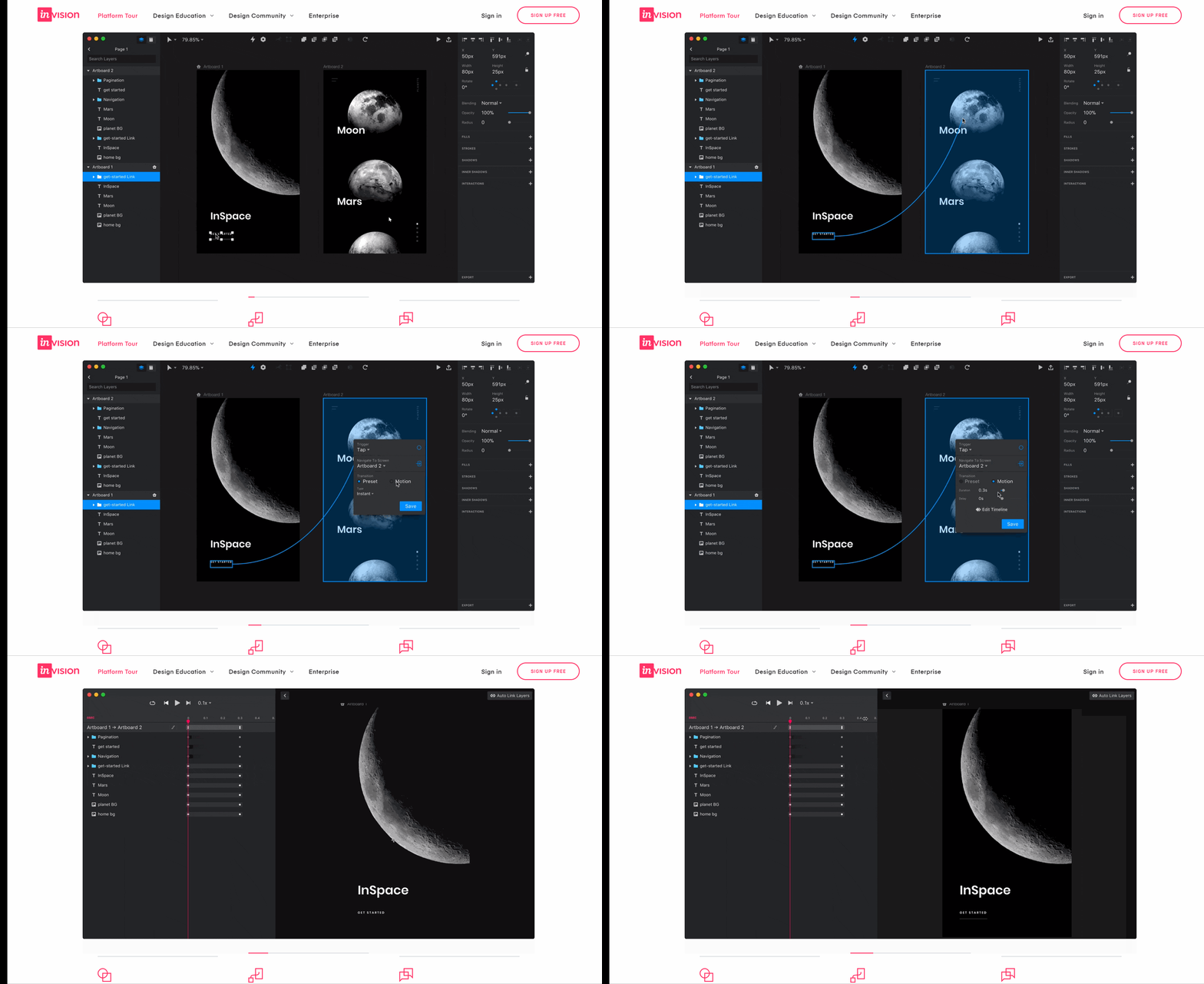
When making high-fidelity prototypes, you need to upload content from Photoshop and Sketch. The process of filling these images into the software is time-consuming. So inVision developed Craft to handle this task.

Craft can not only output visual specifications, but it also has some cool features such as copying and arranging objects, defining spacing, text/image auto-filling, repeating element auto-filling, and more. After installing this plugin into Sketch, you will be able to work seamlessly between Sketch and InVision. By combining the design and prototyping processes, you can quickly export high-fidelity prototypes.

How to Make Interactive Prototyping in InVision Craft

From the introduction of the official website, you will understand that InVision’s prototyping method is through adding links. Add a link to the artboard in the interface element, set the transition animation and add a micro-interaction to convert the static image to an interactive prototype.

InVision Craft prototyping tutorial

https://www.youtube.com/watch?v=1H7Ql9hmbuM

Preview:

Internal preview of the software

3. Mockplus iDoc + Sketch

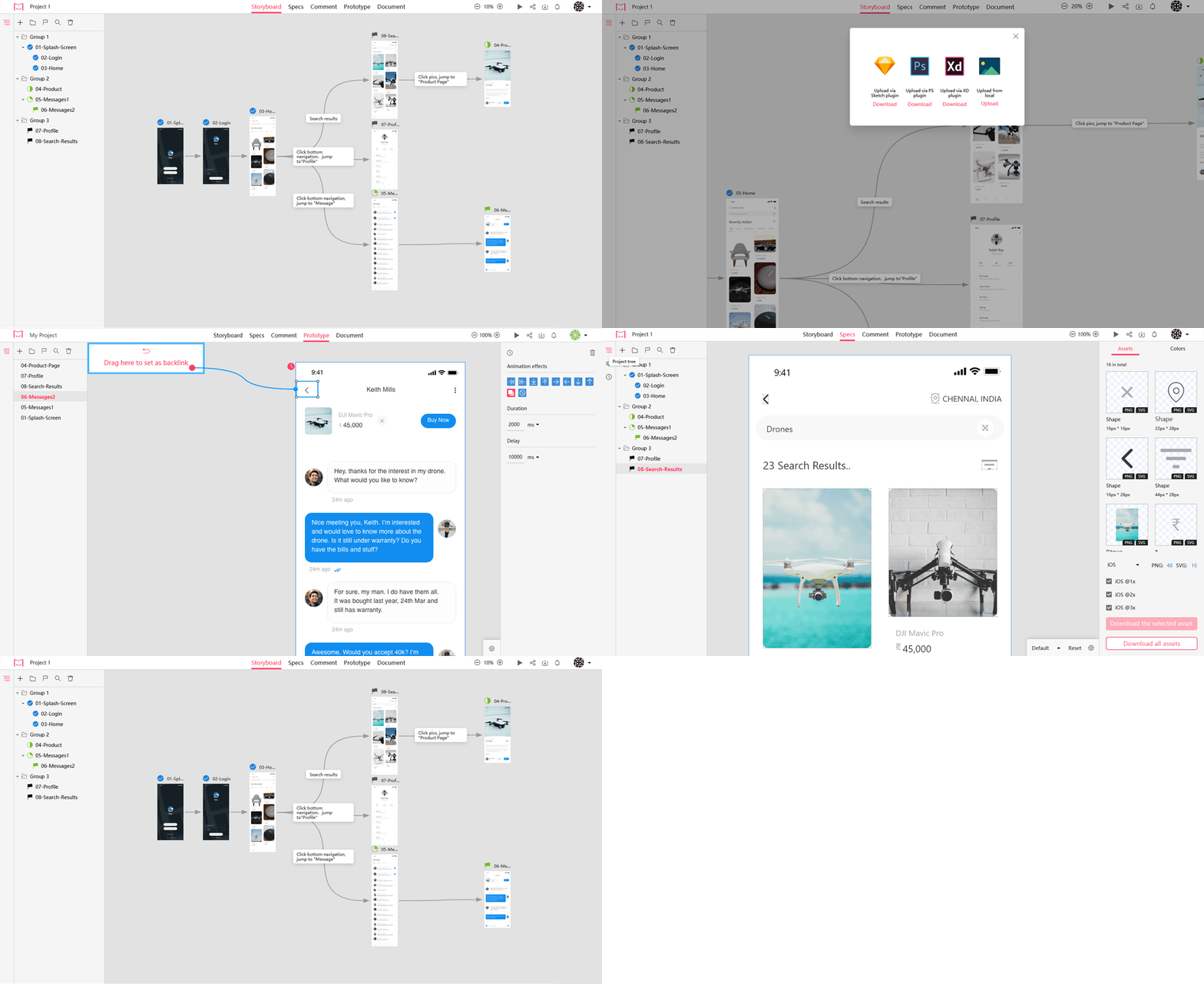
Mockplus iDoc hands-off designs with accurate specs, assets, code snippets, and interactive prototypes automatically. As a brand-new collaboration tool for designers and developers, it goes far beyond design and workflow — which allows mobile designers to create a masterpiece. It allows you to upload your wireframes and visual designs from Photoshop, AdobeXD, and Sketch, and add them to your project folder in iDoc.

Related: 11 Features That Make Mockplus iDoc Standing Out

How to Make Interactive Prototyping in Mockplus iDoc

1) Download Sketch prototyping plugin: https://idoc.mockplus.com/download/sketch

2) Set page jumping links

3) Set transition animations

4) Set as backlink

Mockplus iDoc prototyping tutorial: https://doc.mockplus.com/?p=2317

Preview:

Click “Preview” on the top toolbar to demonstrate your created interactive prototypes.

4. Flinto + Sketch

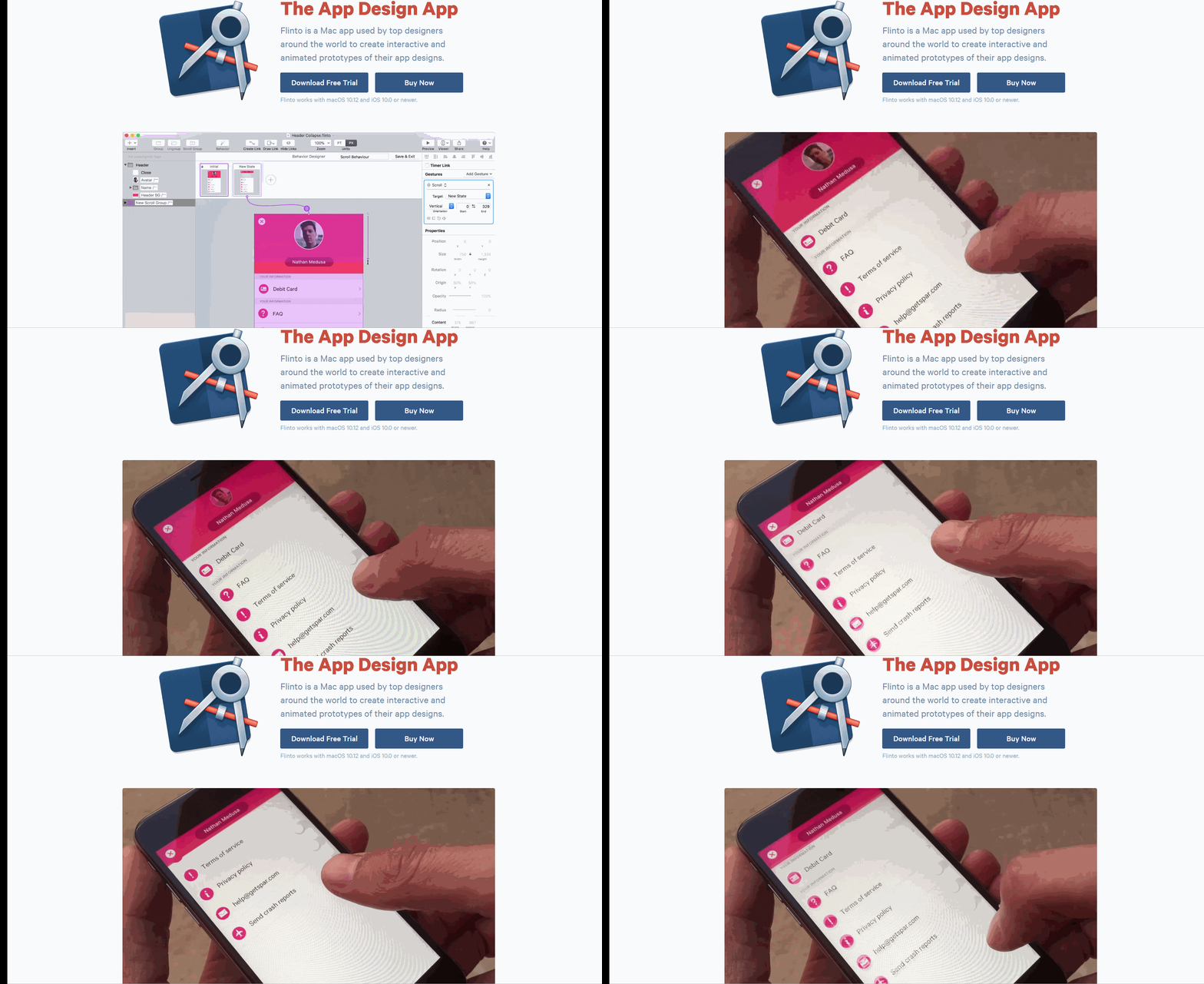
Use Flint to create small interactions and animations to achieve a comprehensive flow of multi-screen apps. With its Transition Designer, you can create jumps and transitions very quickly. For beginners, it’s a straightforward, handy tool. It can be used to design simple but impressive prototypes.

How to Make Interactive Prototypes in Flinto

Flinto can quickly implement interactive design and seamlessly work with Sketch. Through the plugin, you can upload your material directly into Flinto, add links and transition effects, and add automatic jumps. By uploading images, adding hotspots, and corresponding interactive actions, you can quickly generate prototypes. Also, customers can conveniently view the prototype through web pages or mobile phones.

Flinto prototyping tutorial

https://www.youtube.com/watch?v=afG71CjmqW8

Preview:

1) Click the software internal play button

2) Download iOS mobile app preview (mobile phone, computer on the same LAN)

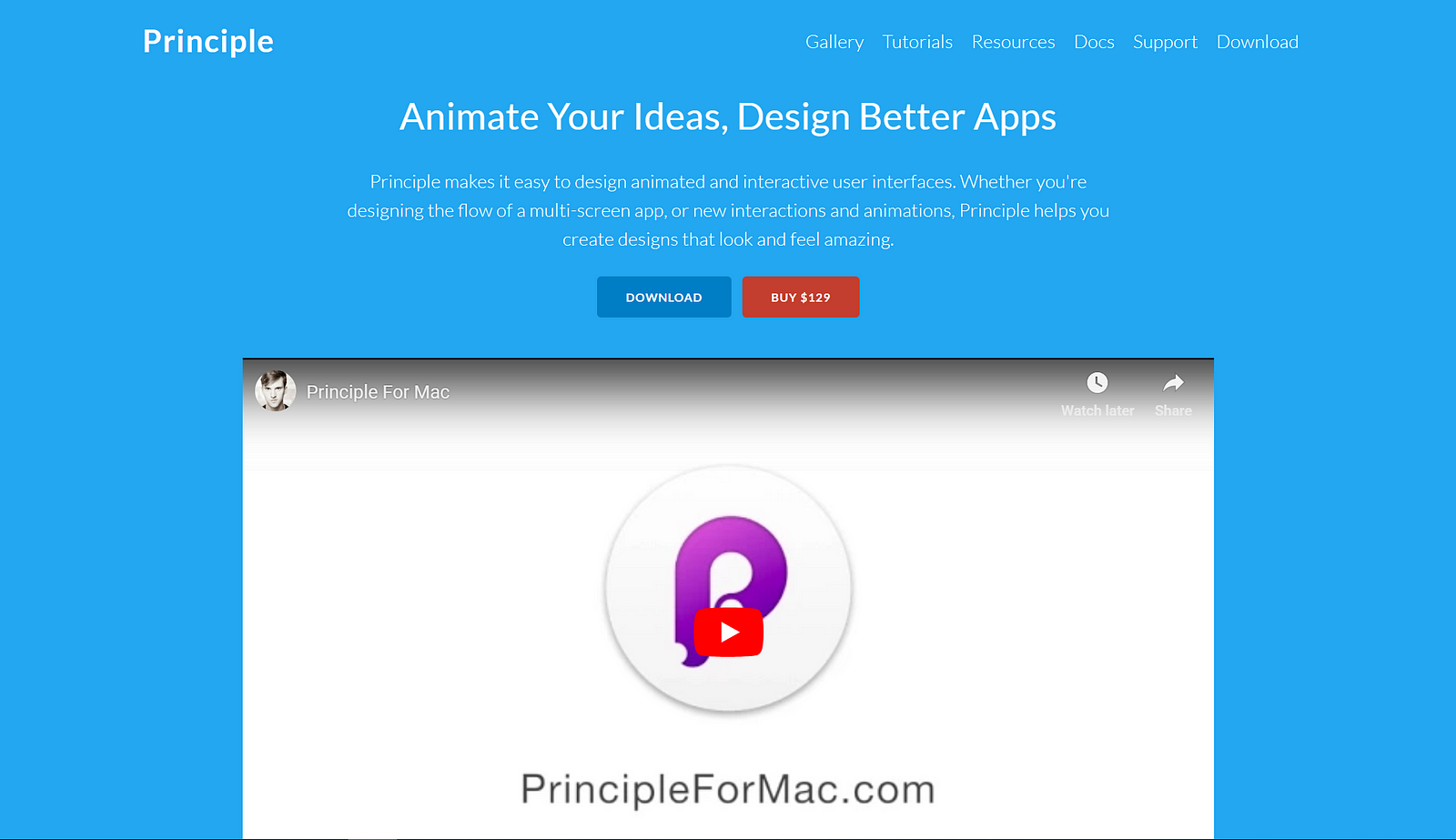
5. Principle + Sketch

Principle and Flinto have many similarities. But as a prototyping tool, Principle specializes in conversion production and the interaction between Sketch screens. Some designers prefer this design method, while others prefer to use a Transition Designer like Flinto or Auto-Code in Framer.

How to Make Interactive Prototypes in Principle

Use Principle to easily stream your multi-screen app, or focus on micro-interactions. Compared to the other tools described in this article, Principle has a unique way to make a prototype design.

1) Download the Sketch plugin and import your materials.

2) Establish transition and interactions.

3) Polish animation with delays and curves.

4) Add scrolling/paging/dragging.

Principle prototyping tutorial: http://principleformac.com/tutorial.html

Preview:

1) Internal software preview.

2) Principle Mirror.

Cons:

1) Drawing is inconvenient, so it is recommended that you make a design in Sketch and import it into Principle.

2) Cannot animate in the current page.

3) The material in Principle cannot be freely resized. Only the scale option on the left panel can be used to adjust the width and height.

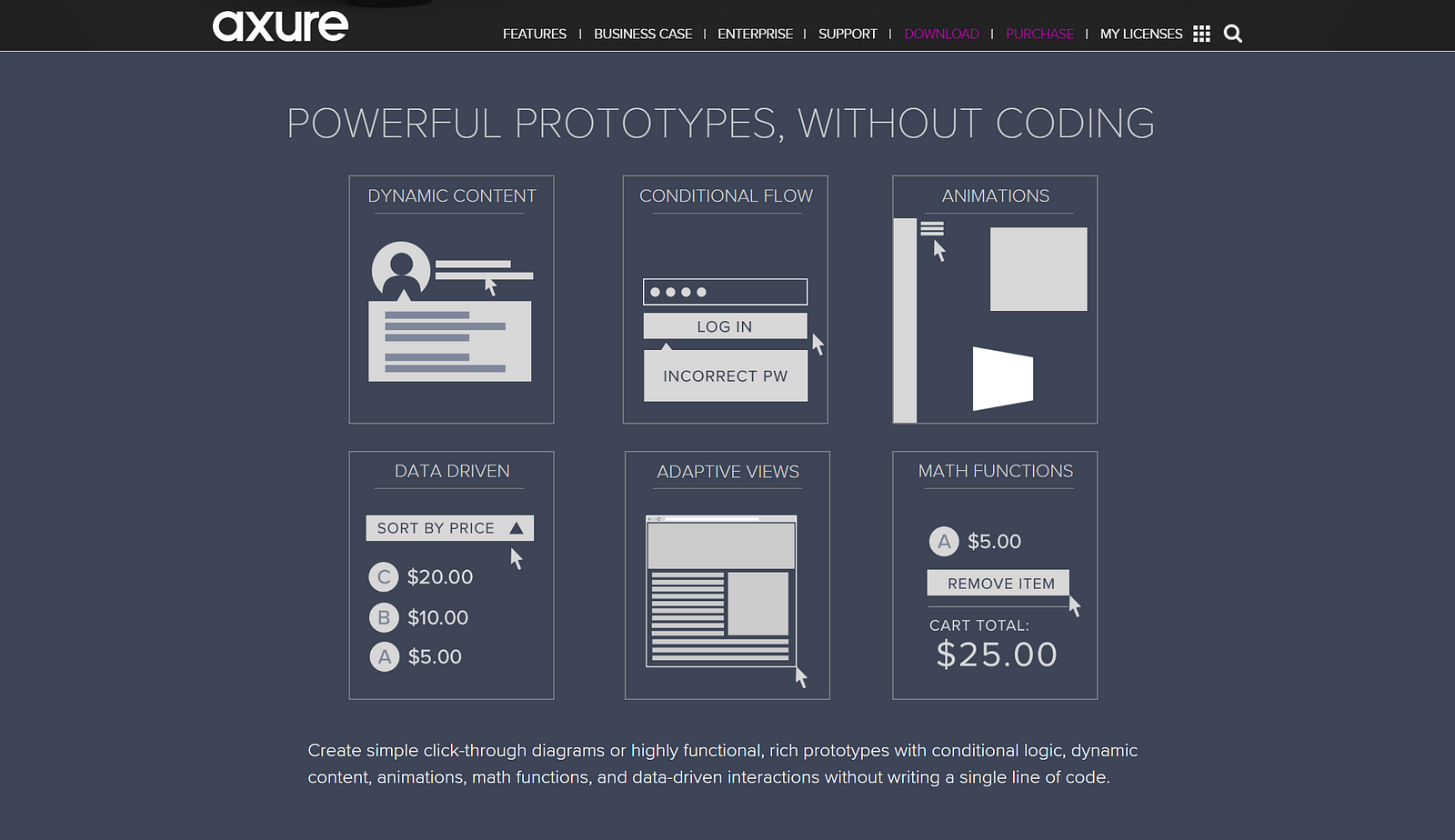
6. Axure+ Sketch

As we all know, Axure is a veteran design software. As a professional prototyping tool, it can create prototypes quickly and efficiently. To create a high-fidelity prototype, you need to import the vector material created by Sketch, such as icons, controls, buttons, etc. into Axure. This will improve the efficiency of interactive prototyping design.

How to Make Interactive Prototypes in Axure

1) Install the Sketch plugin AxureRP.sketchplugin, select the Sketch material and click on the menu’s Plugins-AxureRP-Copy Selection.

2) For general interaction, in Axure you can filter the settings one by one through the pop-up window, and go to the property panel to filter the target page.

3) A more complex interaction requires a conditional generator to implement. Axure can add conditional judgments in interactive settings, but users need to have some programming common sense, otherwise, it is quite difficult to master, especially when you use it for the first time.

Axure prototyping tutorial: https://www.axure.com/support

Preview:

Internal preview.

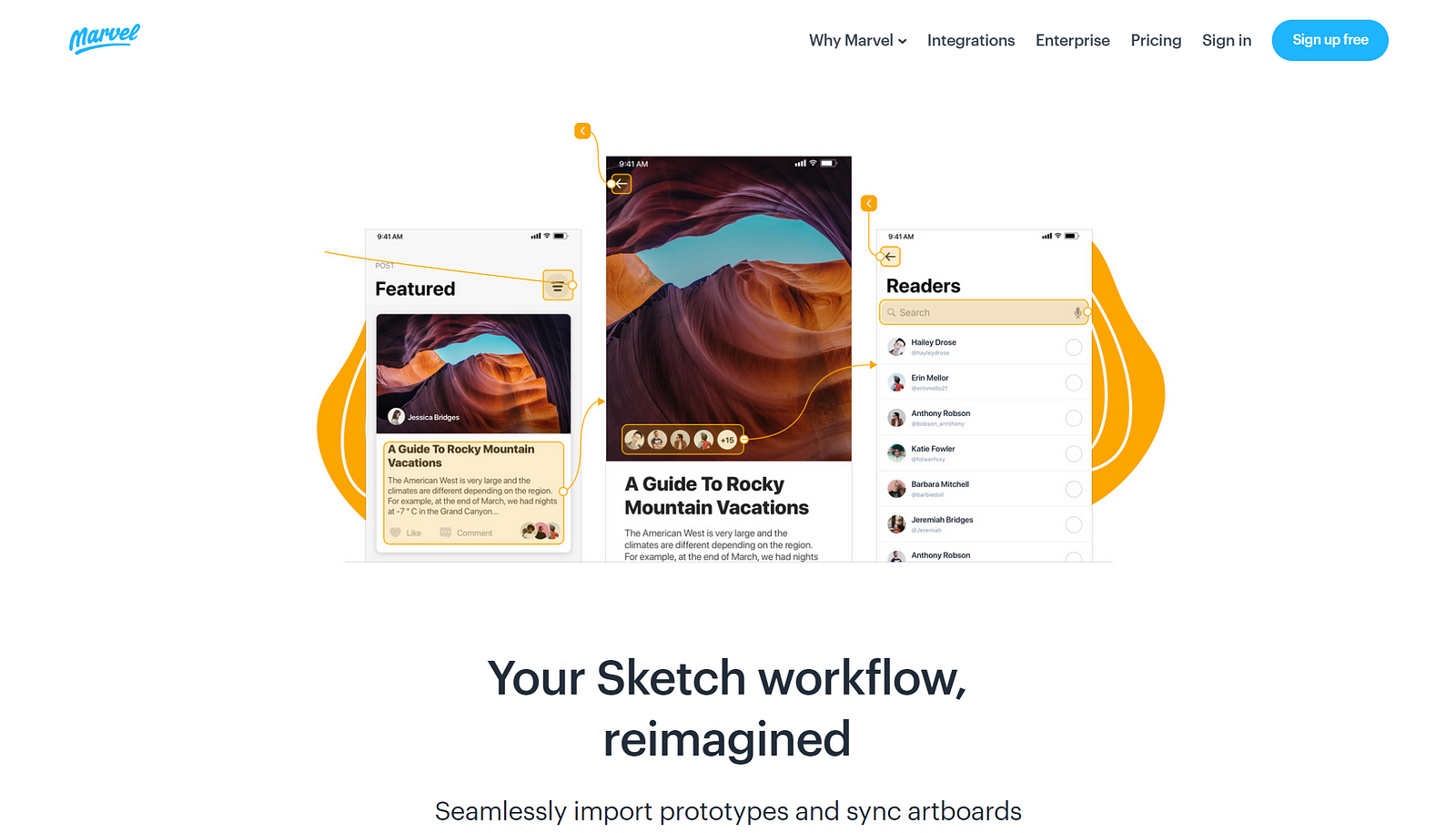
7. Marvel + Sketch

Marvel is a free prototyping web application for web design and mobile UI design. It is based on your pre-designed PSD or Sketch document, which means that your visual draft can be used without conversion formatting. Of course, the wireframing (.jpg or .png) can also be imported for subsequent interaction design.

How to Make Interactive Prototypes in Marvel

1) Synchronized artboards to Marvel through the Sketch plugin.

2) Select the interface element and connect the target artboard through the hotspot (Hot Spot).

3) Set the transition mode and operation gesture of the page. It’s not as intuitive as linking, so this part may be confusing.

Marvel prototyping tutorial: https://marvelapp.com/features/prototyping

Preview:

1) Perform interactive prototypes directly on the web page.

2) Generate URLs to share via email.

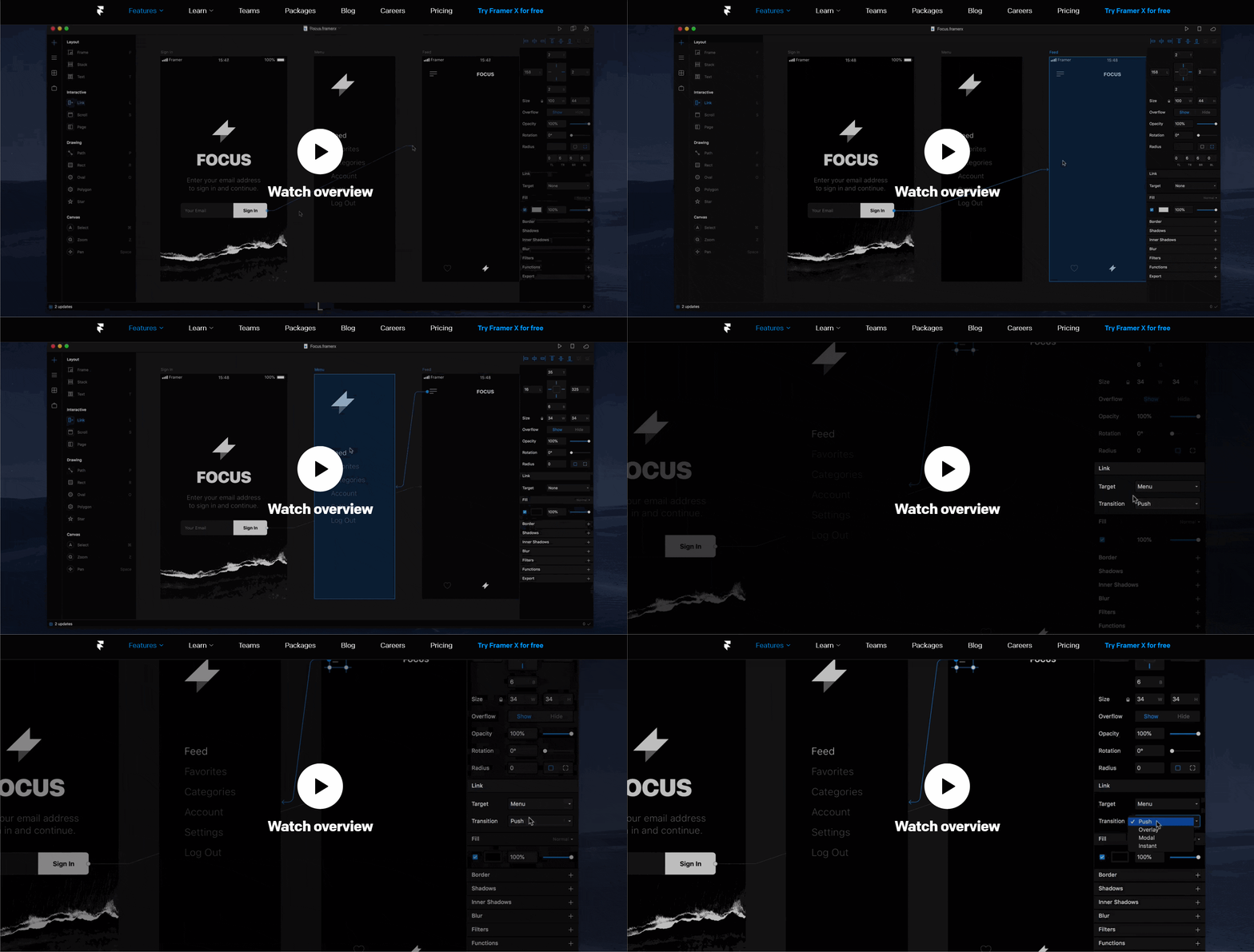
8. Framer + Sketch

Unlike the other prototyping tools, Framer is probably the most special because it requires designers to have coding abilities. The prototype produced will closely resemble the final product.

It supports calling the system keyboard, inputting real text, and then using it as data; it also supports real control and monitoring of audio and video. Framer’s strength is its seamless support for HTML, CSS, and Javascript. Taking into consideration of audio and video, there are dozens of attributes and events that can be used.

How to Make Interactive Prototypes in Framer

Prototyping in Framer is intuitive; with just a few clicks, you can create a basic level of interaction. Just copy and paste the artboard from Sketch into Framer, and use the Link to add transitions such as push and overlay, or use a multi-directional gesture to create a nested scroll view.

Framer prototyping tutorial

https://www.youtube.com/watch?v=foSkKVtHkM4

Preview:

1) Internal preview

2) iOS/Android mirror

Conclusion:

These are 8 best Sketch prototyping tools recommended. Of course, there are many other tools that could be included, such as Pixate, UXPin, and Origami Studio from Facebook.

Whether you are using Sketch’s prototyping capabilities or using Sketch prototyping tools with plugins, I believe that as long as the tool can help you work more efficiently to design a satisfying modern prototype, it is a good combination. Find a Sketch prototyping tool to help you with your workflow and start interactive prototyping today!